SETUP MENUS
36
English
Channel Edit
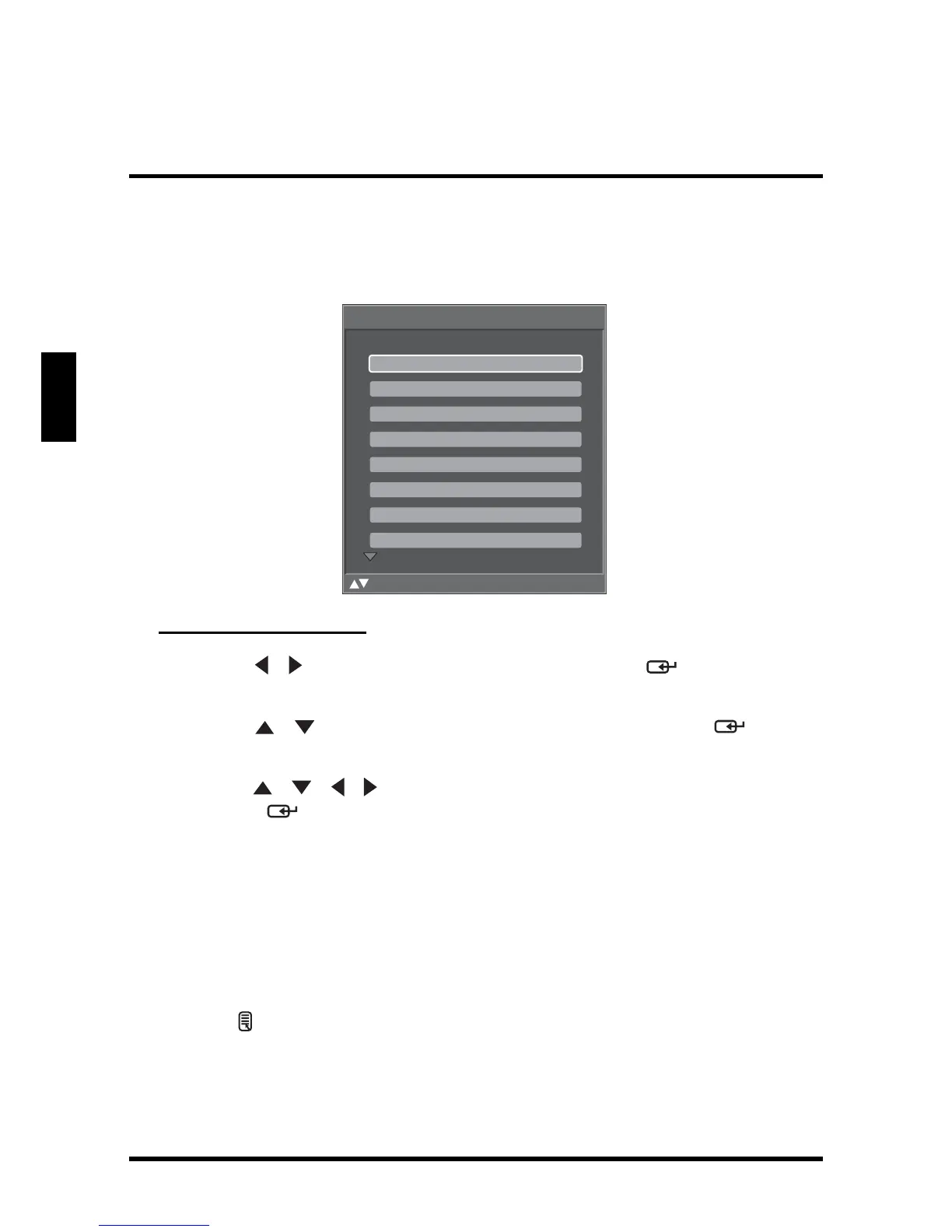
Use Channel Edit to assign a name to a channel.
Editing Channel Names
1
Use the
/
keys to select
Channel Edit
and press . The Channel
Name Edit screen appears.
2 Use the / keys to select the desired channel and
press to open
the Edit Name screen.
3 Use the / / / keys to move the cursor to the desired symbol and
press the button to enter.
• Select Shift to toggle different symbol tables: uppercase and lowercase
letters, numerals, and special symbols.
• Select Back to backspace.
• Select Clear to delete all typed text.
4 Select Accept when finished.
5 Repeat steps 2, 3, and 4 to add more channels.
6 Press to save and exit the screen.
Channel Name Edit
:Select Enter: Confirm Menu: Exit
11.0
24.0
23.0
22.0
21.0
17.0
16.1
13.0











 To Next Page