SETUP MENUS
28
English
Adjusting Color Temperature
1
Use the
/
keys to select
Color temperature
and press .
2 Press the / keys on the remote control to select the desired option.
3 Press to save and exit the screen.
Hue
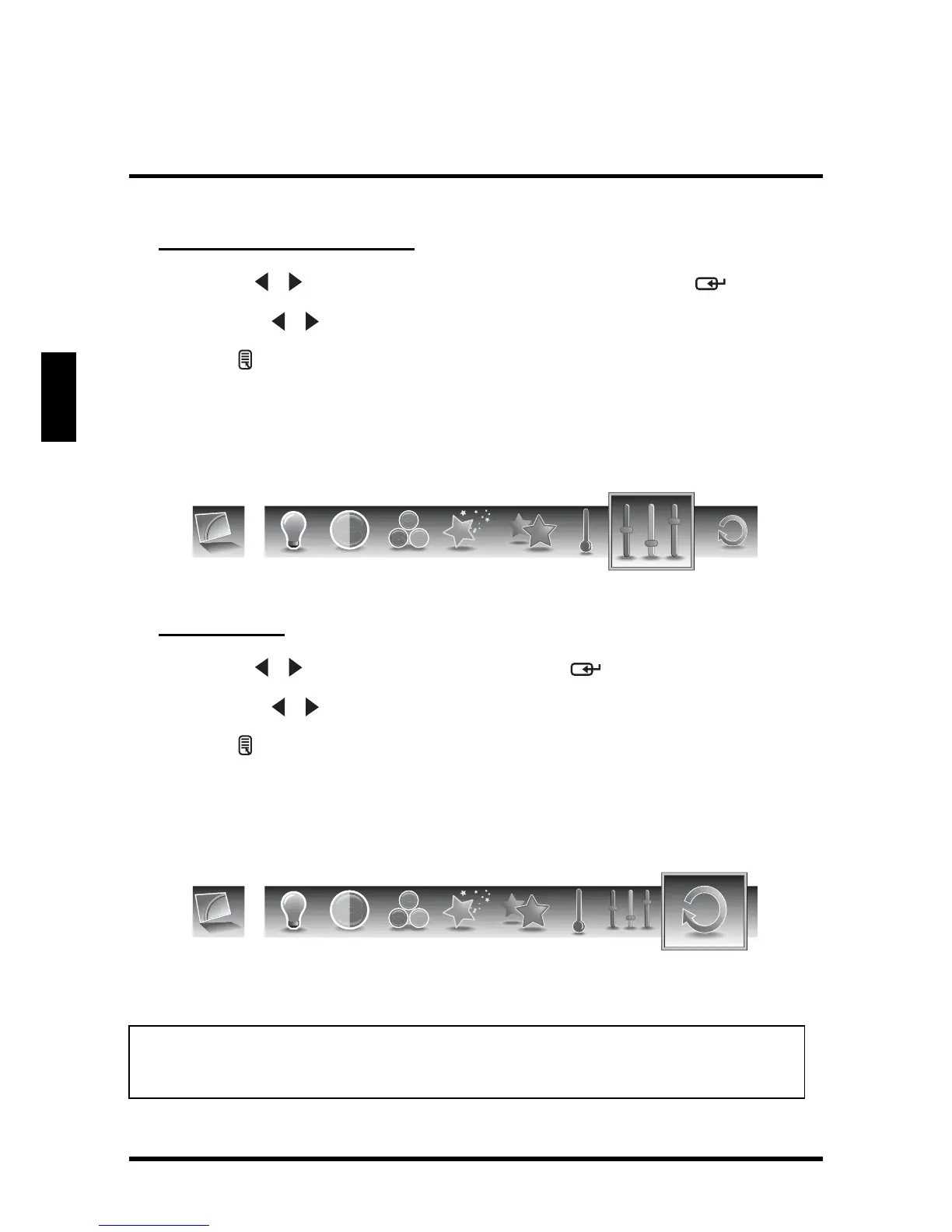
Use Hue to adjust the balance of the red, green, and blue colors in the display.
Adjusting Hue
1
Use the
/ keys to select Hue and press .
2 Press the / keys on the remote control to adjust the hue level.
3 Press to save and exit the screen.
Reset
Select Yes on this sub-menu to reset all display-related settings.
NOTE:
The configuration settings for the Picture sub-menus will only be applied to the
current input source.
Hue
Reset





 To Next Page