SETUP MENUS
31
English
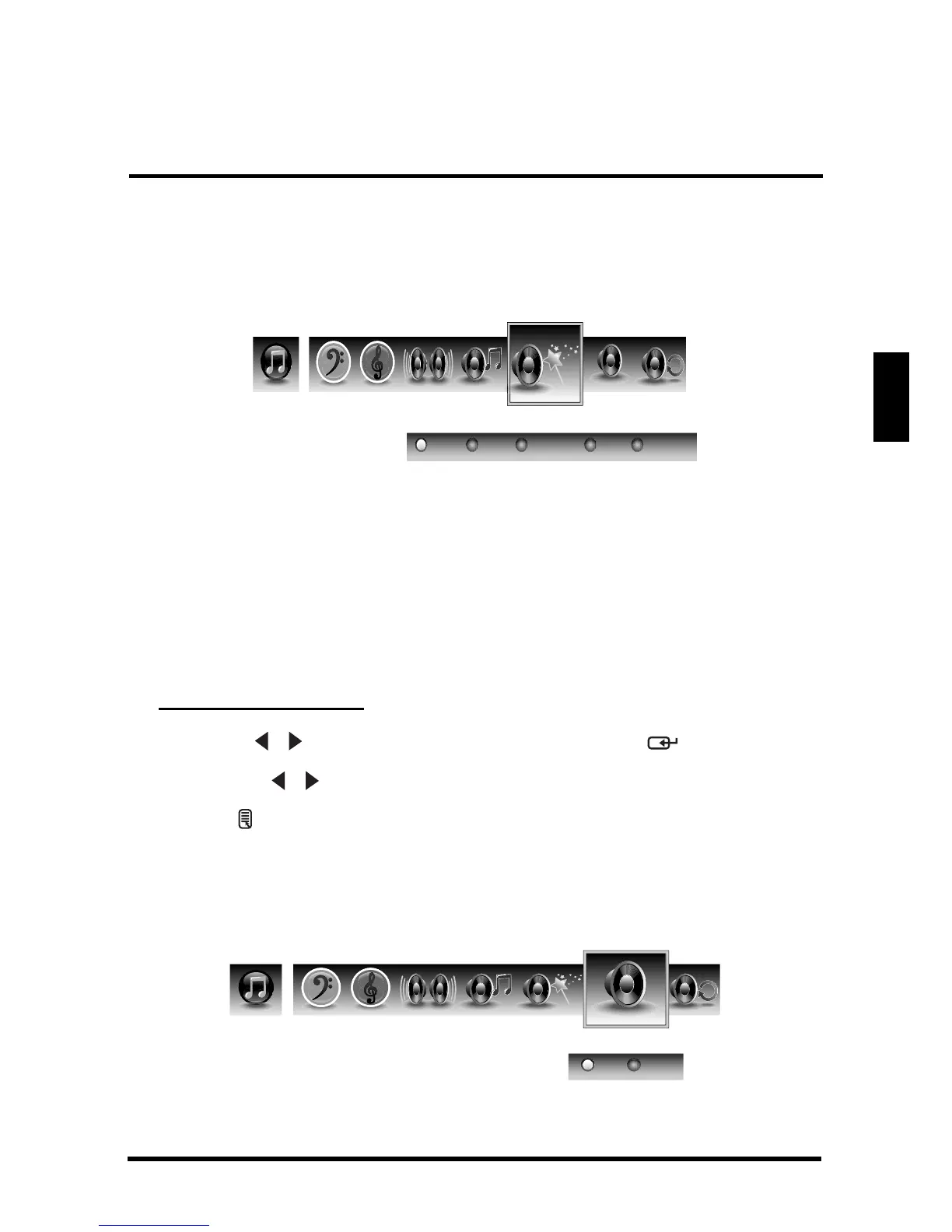
Audio Presets
Use this sub-menu to select one of four preset audio options optimized for different
sounding conditions.
The following options are available:
• Rock: Sets the equalizer to the Rock mode.
• Pop: Sets the equalizer to the Pop mode.
• Classical: Sets the equalizer to the Classical mode.
• Flat: Sets the equalizer to the Flat mode.
• Custom: Uses the customized settings.
Adjusting Audio Preset
1
Use the
/
keys to select
Audio Preset
and press .
2 Press the / keys on the remote control to select the desired option.
3 Press to save and exit the screen.
TruSurround HD
Use this sub-menu to toggle the TruSurround HD on and off.
SRS















 To Next Page