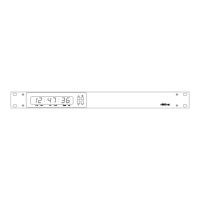
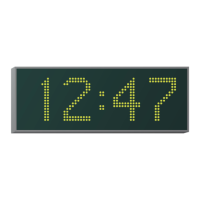
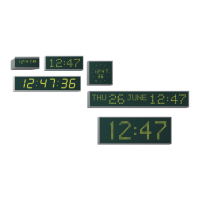
4850 / 4860 Master Clock
Operating and Installation Instructions
Issue 2.0
Contents
1 Introduction
Features 1-1
Package Contents 1-1
2 Quick Start and 4850 / 4860 Programming
Quick Start 1-4 2-1
Quick Start 5-8 2-2
Frequently Asked Questions 2-3
4850 / 4860 Programming 2-4
Programming menus 2-4
Setting the time and date 2-6
Leap second insertion 2-7
Status display 2-7
System set-up 2-8
3 Installation
4 Location Setup
City / Location Table 4-2
5 Synchronisation Setup
GPS Synchronisation 5-1
MSF and DCF Synchronisation 5-3
6 w482 Time Zone Setup
7 Serial Setup
Serial Messages Table 7-2
8 Relay Setup
Relay Modes Table 8-1
9 Network Setup
Operation & Quick Setup 9-1
TCP/IP Concepts 9-1
Supported Protocols 9-3
10 IRIG Setup
IRIG Format Table 10-1
11 EBU Setup
EBU Format Table 11-1
12 Impulse Setup
Operation and Quick setup 12-1
A Cable specifications
B Case dimensions
C Supported devices
D NTP Synchronisation Option



 To Next Page