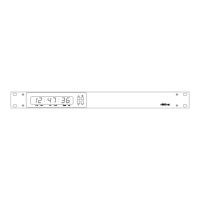
4850 / 4860 Master Clock
Operating and Installation Instructions
Issue 2.0
puteSUBE
edoC epyT setoN
AylnoemiT.UBEdradnatS
B1tamrofetaddnaemiTnidedocneetadhtiwUBE
.stibresu
C2tamrofetaddnaemiTtamrofetanretlahtiwUBE
resunidedocneetadfo
.stib
EBU timecode is used in broadcast applications for ‘stamping’
time information on recordings and for the control of clocks
and other intelligent systems. EBU time code is used in PAL
and SECAM applications at 25 frames per second.
The signal data rate for EBU is 2000 bits per second, with each
frame of data comprising 80 bits. The EBU standard defines
the format for hours, minutes, and seconds information. Date
information can be added to the signal in a number of formats
within ‘user bit’ areas.
The EBU output is only available on the 4862, 4862net and
4850.x.E versions.
4862 versions are fitted with both 600Ω and low impedance
outputs. Please note: Only one pair of outputs should be used
at one time.
The 4850.x.E version is fitted with a 600Ω output.
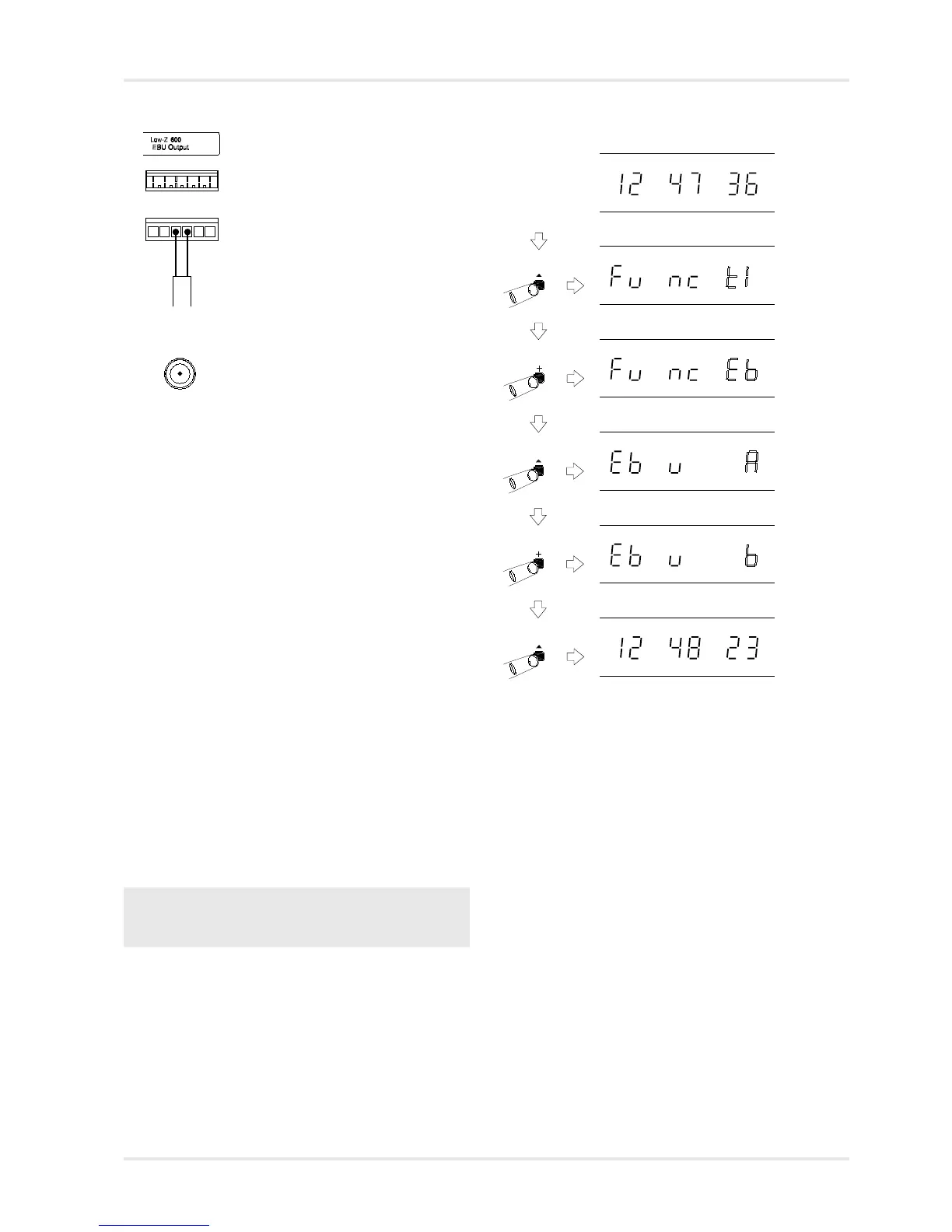
EBU Setup
The different EBU settings are detailed in the table below.
Please see table on page 11-2 for EBU code formats.
11 - EBU Output (4862 / 4850.x.E only)
11-1
EBU
If your 4850 /
4860 is fitted
with NTP, S2
or S4 options,
you may need
to press the
‘+’ switch
more than 8
times.
4862 EBU Interface
6 way terminal block
Low Z Low impedance signal
600Ω Balanced 600Ω signal
Ω
Normal time display
Function ‘Time Setting Mode’. Press ‘+’ eight
to times to move to EBU setting mode.
Function ‘EBU Setting Mode’. Press ‘^’
to select.
EBU Setting Mode, with EBU type flashing. Use
‘+’ and ‘-’ to select required EBU type.
Press ‘^’ to store EBU format and exit
programming mode.
Normal time display
4850.x.E EBU Interface
BNC Connector
Balanced 600Ω signal



 To Next Page