4850 / 4860 Master Clock
Operating and Installation Instructions
Issue 2.0
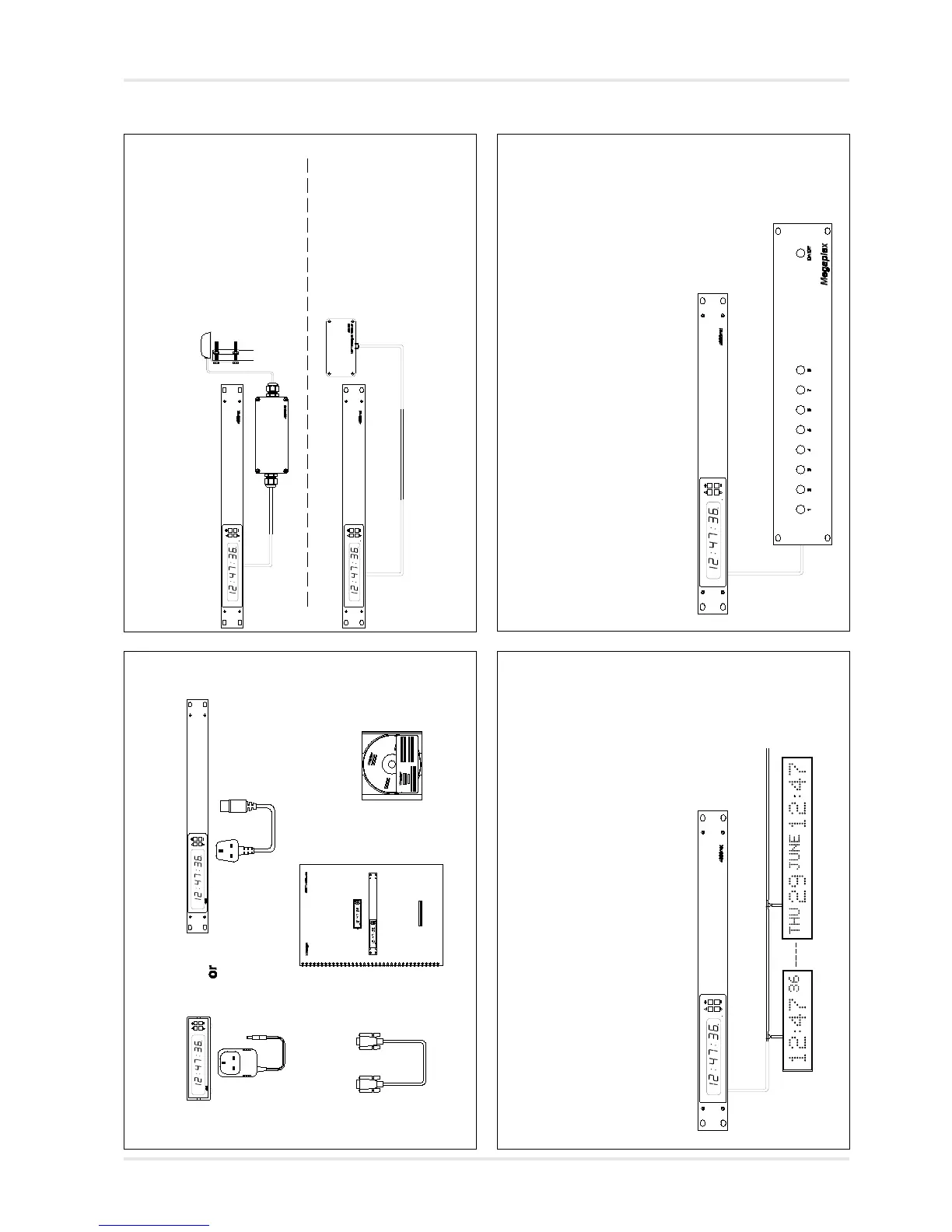
2 - Connecting 488HS, 488B GPS and 484 series radio receivers
For 488HS and 488B GPS
synchronisation
see pages 5-1 and 5-2.
For 484 radio synchronisation
see pages 5-1 and 5-3.
3 - Connecting 400A and 470/474A slave displays
For details on synchronising
400A series clocks and time
zone displays see pages 6-1
and 6-2.
4 - Connecting third-party equipment using RS232 or RS422/485
See sections 7 and appendix
A of manual and application
notes on 4850 / 4860 CD for
further information.
2 - Quick Start, FAQ and 4850 / 4860 Programming
1 - Unpack 4850 / 4860 and check contents matches list on page 1-1.
2-1



 To Next Page