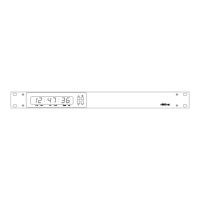
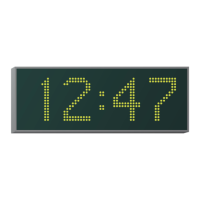
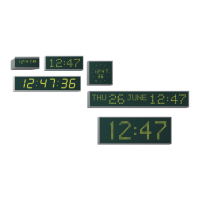
4850 / 4860 Master Clock
Operating and Installation Instructions
Issue 2.0
2-5
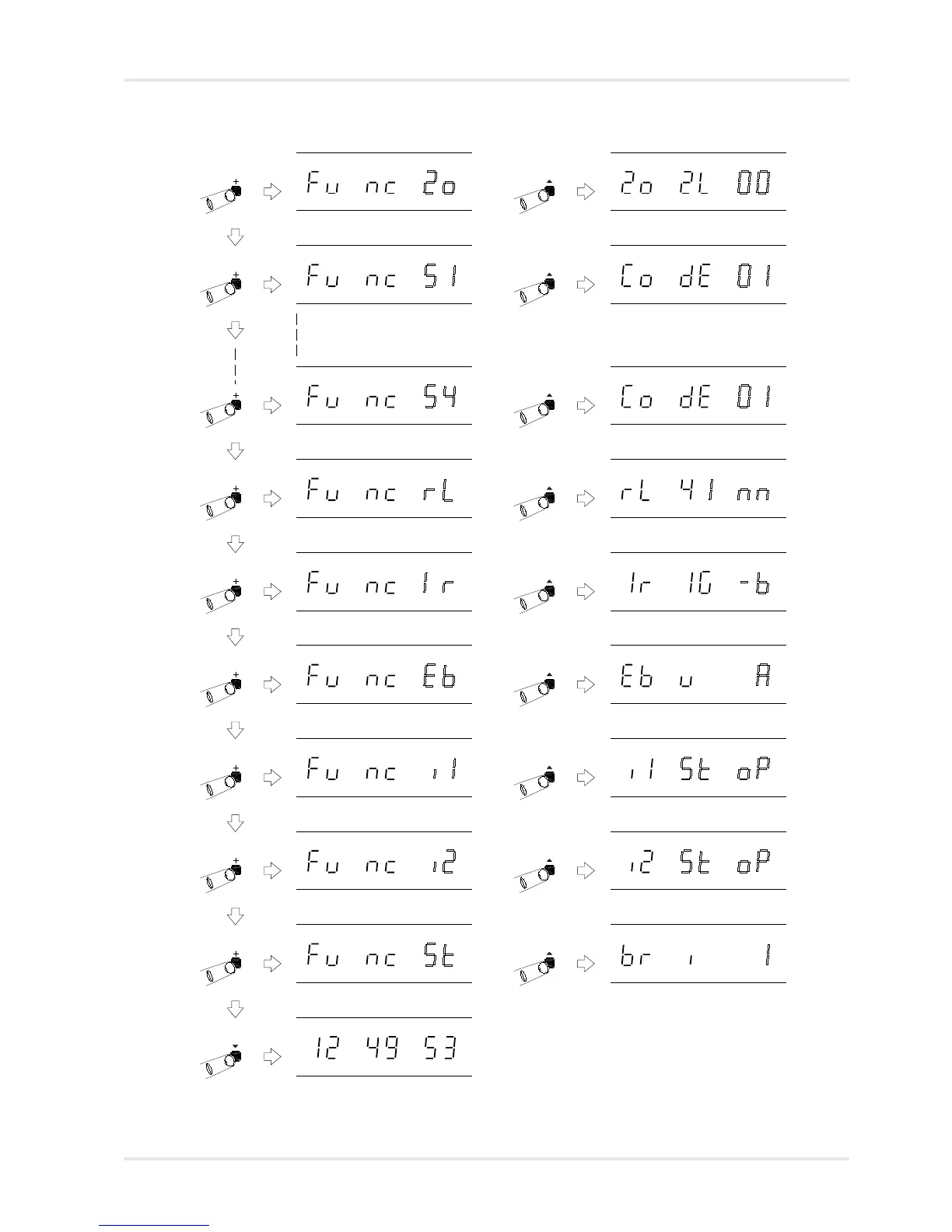
Function ‘Serial 1 Setting Mode’.
‘^’ to select, ‘+’ or ‘-’ to change.
Function ‘Relay Setting Mode’. ‘^’
to select, ‘+’ or ‘-’ to change.
Function ‘IRIG Setting Mode’. ‘^’ to
select, ‘+’ or ‘-’ to change.
Function ‘System Setup’. ‘^’ to
chang the system seeting.
Normal time display
Function ‘Zone Setting Mode’. ‘^’
to select, ‘+’ or ‘-’ to change.
Zone Setting Mode selected, with
location 2 flashing. See page 6-1.
Serial 1 Setting Mode selected,
with code flashing. See page 7-1.
Relay Setting Mode selected, with
setting flashing. See page 8-1.
IRIG Setting Mode selected, with
type flashing. See page 10-1.
Brightness Mode selected, with
brightness flashing. See page 2-8.
Programming menus cont.
Function ‘Serial 4 Setting Mode’.
‘^’ to select, ‘+’ or ‘-’ to change.
Serial 4 Setting Mode selected,
with code flashing. See page 7-1.
Function ‘EBU Setting Mode’. ‘^’ to
select, ‘+’ or ‘-’ to change.
EBU Setting Mode selected, with
type flashing. See page 11-1.
Function ‘Impulse channel 1 Setting
Mode’. ‘^’ to select, ‘+’ or ‘-’ to change.
Impulse channel 1 Setting Mode selected,
with status flashing. See page 12-1.
Function ‘Impulse channel 2 Setting
Mode’. ‘^’ to select, ‘+’ or ‘-’ to change.
Impulse channel 2 Setting Mode selected,
with status flashing. See page 12-1.
‘Serial 2 Setting
Mode’ will only
appear on 4860.S2
& .S4 versions.
‘Serial 3 Setting
Mode’ & ‘Serial 4
Setting Mode’ will
only appear on
4860.S4 versions.
‘Impulse Channel
1 Setting Mode’ &
‘Impulse Channel
2 Setting Mode’
will only appear
on 4860.IMP
versions.
‘EBU Setting
Mode’ will only
appear on 4862
and 4850.x.E
versions.
‘IRIG Setting
Mode’ will appear
on all versions, but
only be usable on
4861 and 4850.x.I
versions.



 To Next Page