WHEATON UniSpense
®
PRO Peristaltic Pump
WHEATON | 800.225.1437 (U.S. & Canada Only) | 856.825.1100 | www.wheatonsci.com| P/N 50099073 Rev. 2/2/10 Lit. No.8734
13
10.2 Priming the Tubing
Use the UP and DOWN buttons to select the PRIME icon. The PRIME button on the keypad now
becomes active. Push and HOLD the prime button on the keypad to run the pump motor and purge any
air from the tubing. RELEASE the prime button to stop the motor.
10.3 Calibration Dispense
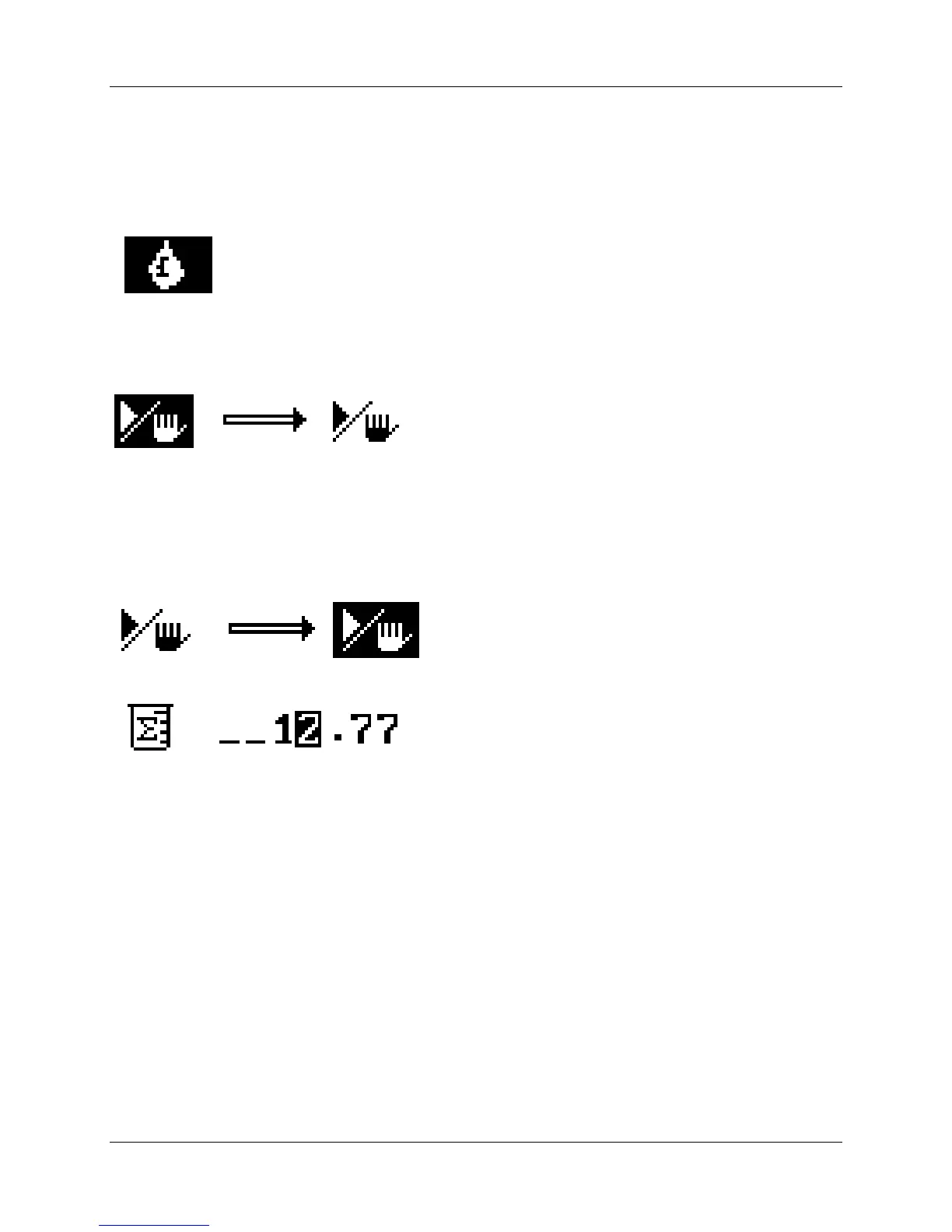
Use the UP and DOWN button to navigate the Calibration Dispense icon:
Prepare to measure a dispense by using a graduated cylinder, electronic scale, or other device that can
accurately measure volume. Press the START / STOP button to begin a
calibration dispense.
For
best results, the pump should run for a minimum of 15 seconds. The longer the run time the more
accurate the calibration.
Press the START / STOP button to end the calibration dispense.
Use the UP and DOWN buttons and the LEFT and RIGHT buttons to enter the measured volume:
Press OK to enter the volume and complete the calibration procedure. Press OK again to return to the
HOME screen.


 To Next Page