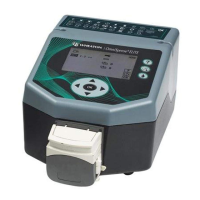
WHEATON UniSpense
®
PRO Peristaltic Pump
WHEATON | 800.225.1437 (U.S. & Canada Only) | 856.825.1100 | www.wheatonsci.com| P/N 50099073 Rev. 2/2/10 Lit. No.8734
9
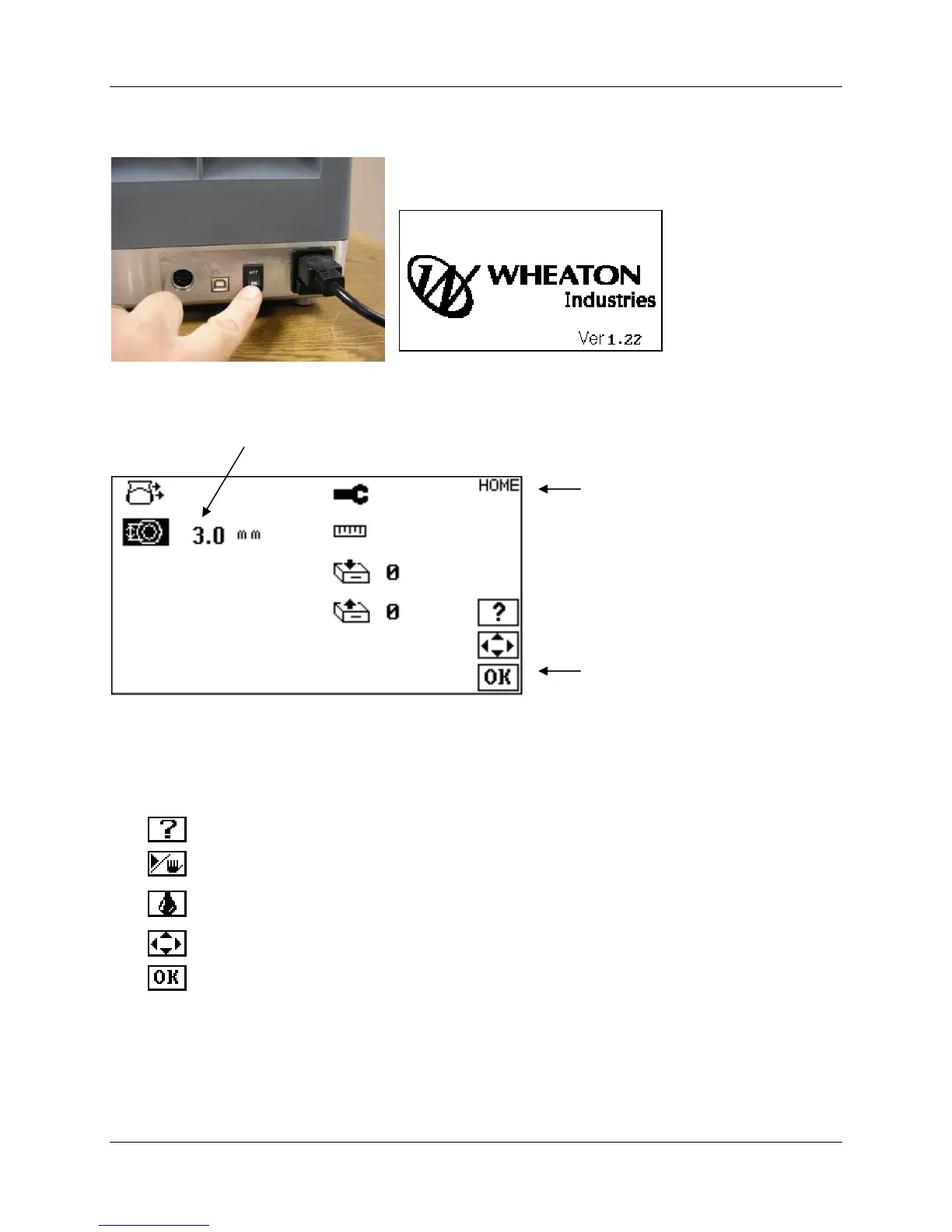
Switch the pump ON via the power switch on the rear panel. The main screen displays the WHEATON
Industries logo and the firmware version level.
The pump will automatically transition to the HOME screen. Additional screens feature a similar layout:
7.4 Keypad Functions and Icons
Icons on the right of each screen show the user which keys will be active during function and setup
navigation. A brief explanation of active keys is listed:
Help – Pushing the help button will show icon explanations in several languages
Run/Stop – Starts and stops the pump
Prime – Push and hold the button to run the pump at a fixed speed to purge air from
the tubing
Arrow Keys – Used to navigate menu items, and adjust parameters and values
OK – Confirms an entry of a parameter or value. Also returns unit to home screen.
Function Icons (Highlighted)


 To Next Page