MONITORING SOLUTION ENERGY
SENSeOR AMS01 User Manual 22/29
www.senseor.com
1.14.2 RESET
Only Ethernet settings are lost (back to default value) when device is reset.
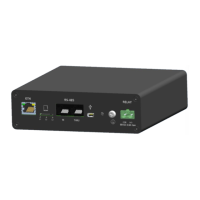
► Hold the Reset button until all LEDs are flashing green. This can take up to 15 seconds.
► Release the Reset button.
► Wait until the device is started up. Do not disconnect power supply before the device is started
up.


 To Next Page
 Loading...