Wilks Enterprise Inc InfraRan Instruction Manual
9
7.0 Keypad Operations
7.1 Data Entry Keypad
“ENTER” accepts the current selection and advances to the next item or if there are
no more items, exits to the next higher menu level.
“CLEAR” erases data entered in user fields.
The down arrow returns to the previous menu item.
The up arrow forwards to the next menu item.
The right arrow enters a space.
Keypad Backlight (option) This button by default selects Survey (fast) or
Analyze (normal) mode. The Survey (fast) mode allows for a rapid scan
With much higher instrument noise. For leak detection, this will give the
fastest response. Selection of the response mode is available after RUN
is selected in the ANALYZE menu.
The display will indicate that Survey (fast) mode selected.
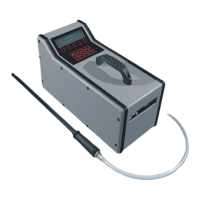
Figure 5 InfraRan Keypad and Display


 To Next Page
 Loading...