Wilks Enterprise Inc InfraRan Instruction Manual
27
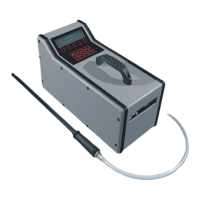
17.0 Battery Removal :
1. Place the analyzer on it's side,
remove the 4 retaining screws and
the battery door.
2. Loosen the two thumb screws on
the battery cover.
Swing the cover out and lift out
the cover from it's retaining slot.
3. Press in on the bottom or top of
the battery.
Lift the battery out of the battery
compartment.


 To Next Page
 Loading...