EasyManua.ls Logo

Williams PIN-BOT - Page 26

Williams PIN-BOT
79 pages
Print Icon
To Next Page IconTo Next Page
To Previous Page IconTo Previous Page
Loading...
GAME ADJUSTMENT
PROCEDURE
(Continued)
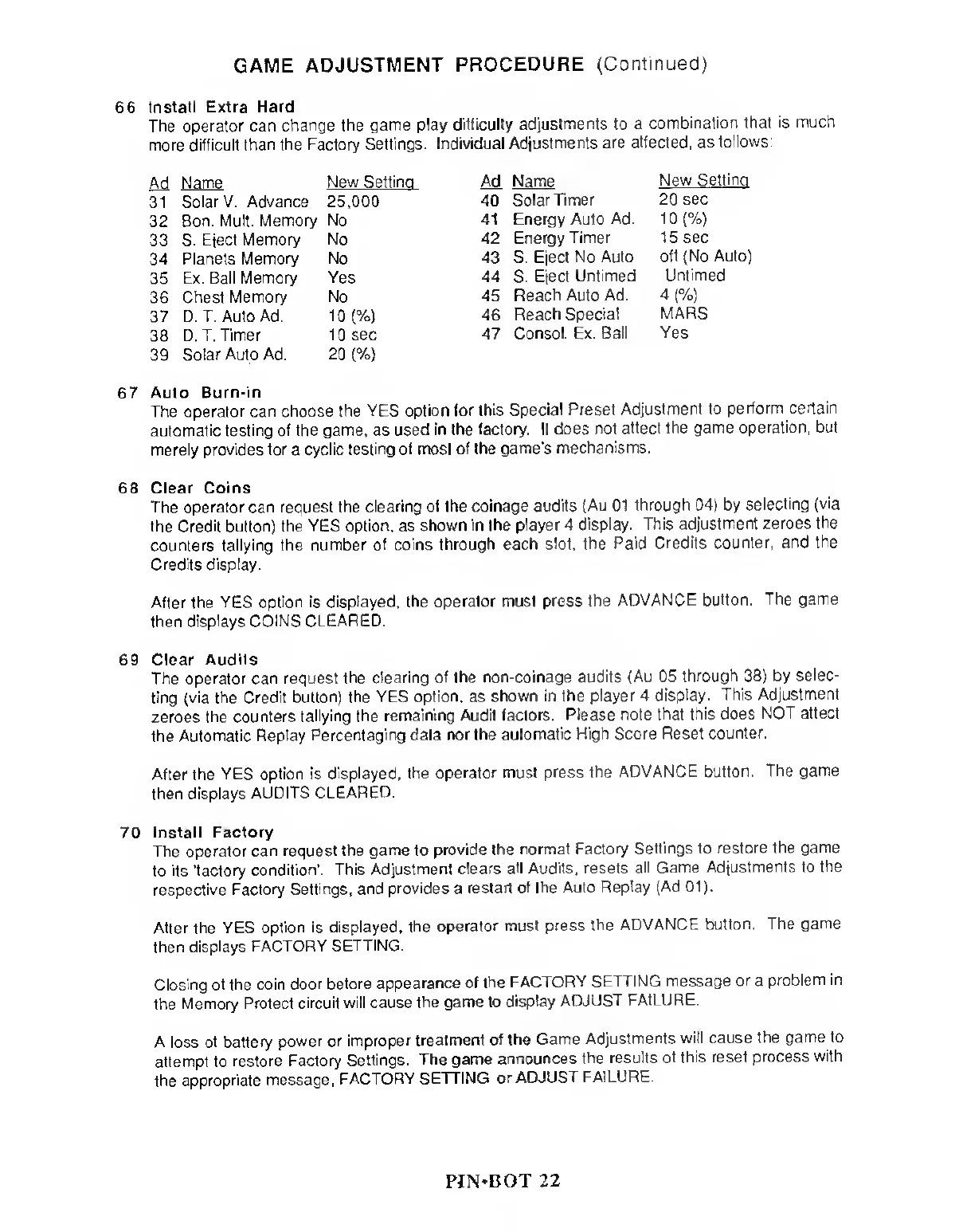
66
Install Extra
Hard
The operator can
change the game
play difficulty
adjustments to a
combination
that is
much
more
difficult than the Factory
Settings. Individual
Adjustments are
affected, as
follows:
Ad
Name
New
Settina
M
Name
New
Settina
31
Solar V. Advance 25,000
40 Solar Timer
20 sec
32
Bon. Mult.
Memory No
41 Energy Auto
Ad. 1
0
(%)
33 S.
Eject
Memory No
42
Energy Timer 15 sec
34 Planets
Memory No
43 S. Eject
No Auto
off (No Auto)
35
Ex. Ball
Memory Yes
44
S.
Eject
Untimed
Untimed
36
Chest
Memory No
45
Reach Auto Ad.
4
(%)
37 D. T. Auto Ad.
10
(%)
46 Reach Special
MARS
38
D. T. Timer
10 sec
47
Consol. Ex.
Ball Yes
39
Solar Auto
Ad.
20
(%)
67 Auto
Burn-in
The
operator can choose the
YES option
for this Special Preset
Adjustment to
perform
certain
automatic testing of the
game,
as
used in the
factory. It does
not affect the
game operation, but
merely
provides for
a
cyclic
testing of most
of the game's
mechanisms.
68 Clear
Coins
The
operator can request the
clearing of the coinage
audits (Au 01
through
04)
by
selecting
(via
the
Credit button) the YES
option,
as
shown in
the player 4
display. This
adjustment zeroes
the
counters tallying the
number of coins
through each slot,
Ihe Paid Credits
counter, and
the
Credits display.
After the YES
option is displayed, the
operator must
press the
ADVANCE button.
The game
then
displays COINS CLEARED.
69 Clear
Audits
The
operator can request
the clearing of the
non-coinage
audits (Au 05
through
38)
by
selec-
ting (via the Credit
button) the YES option, as
shown in the
player 4
display. This
Adjustment
zeroes
the counters
tallying the
remaining Audit factors.
Please note
that this does
NOT atlect
the
Automatic Replay
Percentaging data
nor the automatic
High Score Reset
counter.
After the
YES option is
displayed, the
operator must press
the ADVANCE
button.
The game
then displays
AUDITS
CLEARED.
70
Install Factory
The operator
can request the
game
to
provide the
normal
Factory Settings to
restore the
game
to
its 'factory
condition'. This
Adjustment clears
all Audits, resets
all Game
Adjustments to
the
respective Factory
Settings, and
provides
a
restart of
the Auto
Replay (Ad
01).
After the YES
option is displayed,
the operator
must press
the
ADVANCE button.
The game
then displays
FACTORY
SETTING.
Closing
of the coin
door before
appearance of the
FACTORY
SETTING
message
or
a
problem
in
the
Memory Protect
circuit will cause
the game to
display
ADJUST
FAILURE.
A loss
of battery
power or
improper treatment
of the Game
Adjustments
will cause
the game
to
attempl to
restore
Factory Settings.
The game
announces
the results
of this reset
process
with
the
appropriate message,
FACTORY SETTING
or ADJUST
FAILURE.
PIN*BOT
22

Related product manuals