C34 USER MANUAL
- 27 -
3. Driver installation
The printer support USB, COM and TCP/IP connection. For Wi-Fi, Ethernet, please use
TCP/IP connection; for BT(Bluetooth), RS-232, please use COM connection.
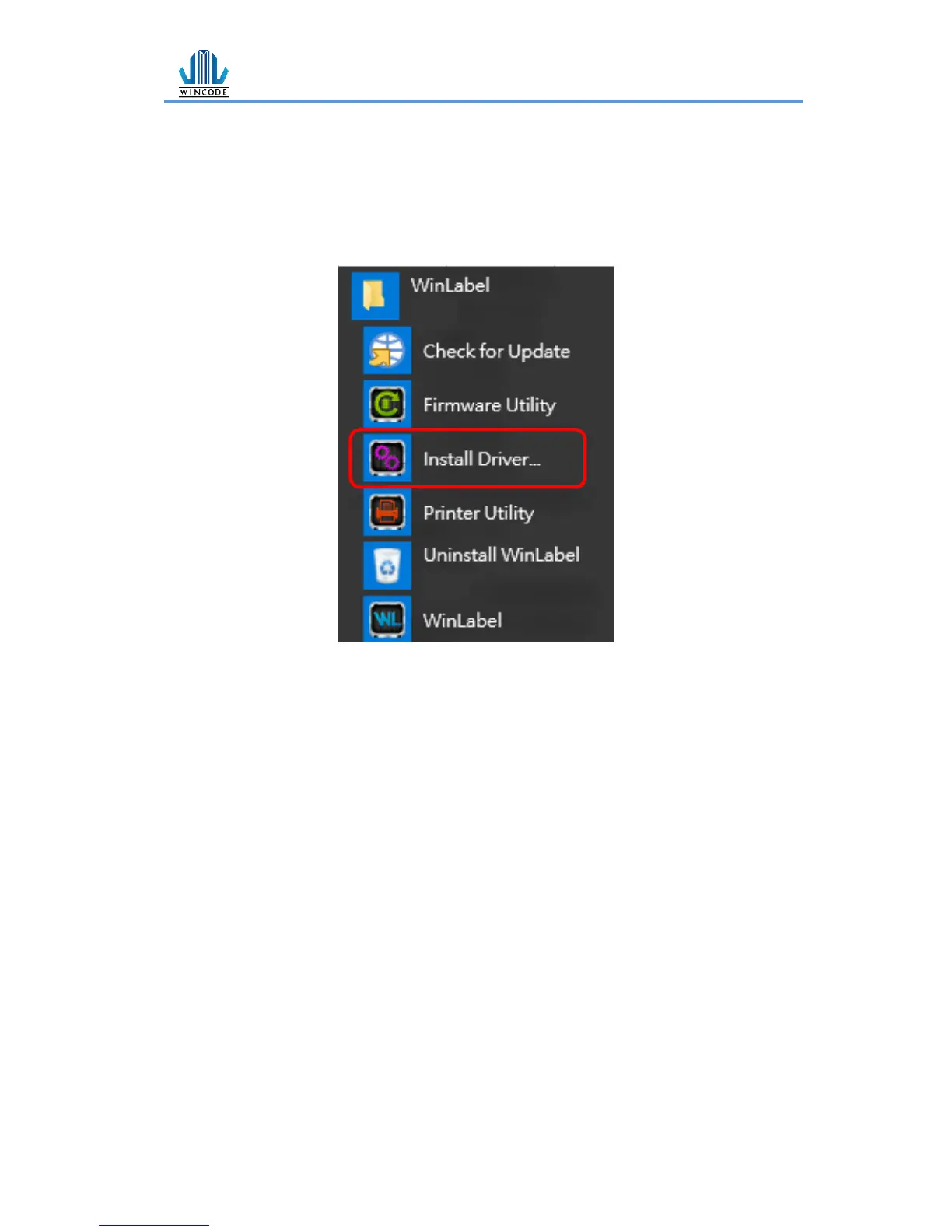
IstallDriver is an execution file of WinLabel, the user can find and execute it at the
start menu after installed WinLabel.


 To Next Page