C34 USER MANUAL
- 63 -
6. LED indicators and button explanation
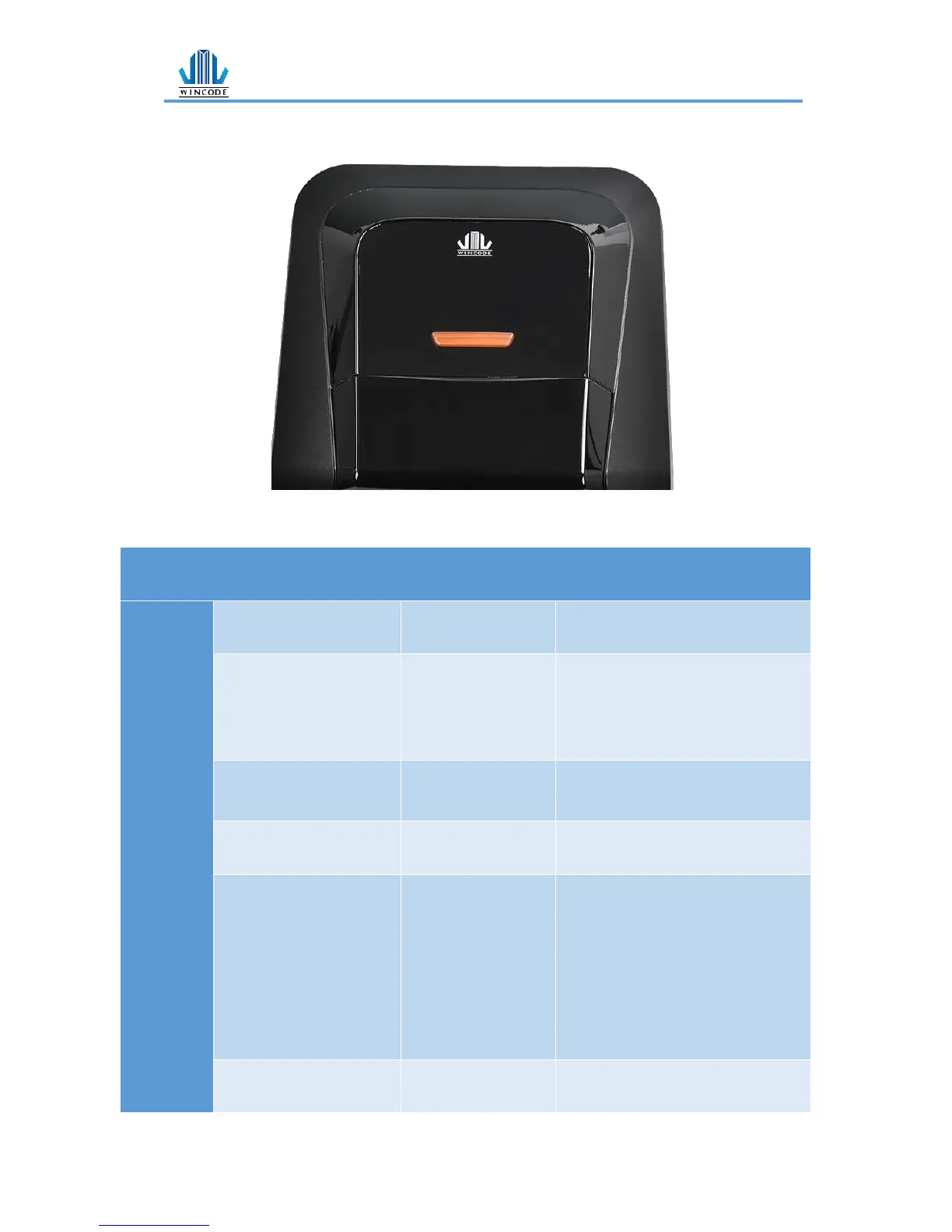
C342/C343 model is equipped a feed button (white and red LED color)
White LED always on :
Ready
White LED flash :
Label out
The label
placement is not
correct or label
paper is used out
Open Top cover, and confirm the
label placement and rest label
quantity. Then close cover and
press the Feed button.
Red LED always on :
Gap out
Sensor setting is
not correct
Reset the settings of sensor in
the Printer Utility software.
Close the top cover and then
press the button to start printing.
flash red LED and white
LED :
*Print head error
*Adapter error
Others
*loosen Print head
*broken Adapter
Use Printer Utility to download
printer’s information. Deal with
the problem according to the
error status display.
*Connect the print head
connection
*Change the adapter
Special lights:
Continuous flashing red
The length of
value-added is


 To Next Page