C34 USER MANUAL
- 34 -
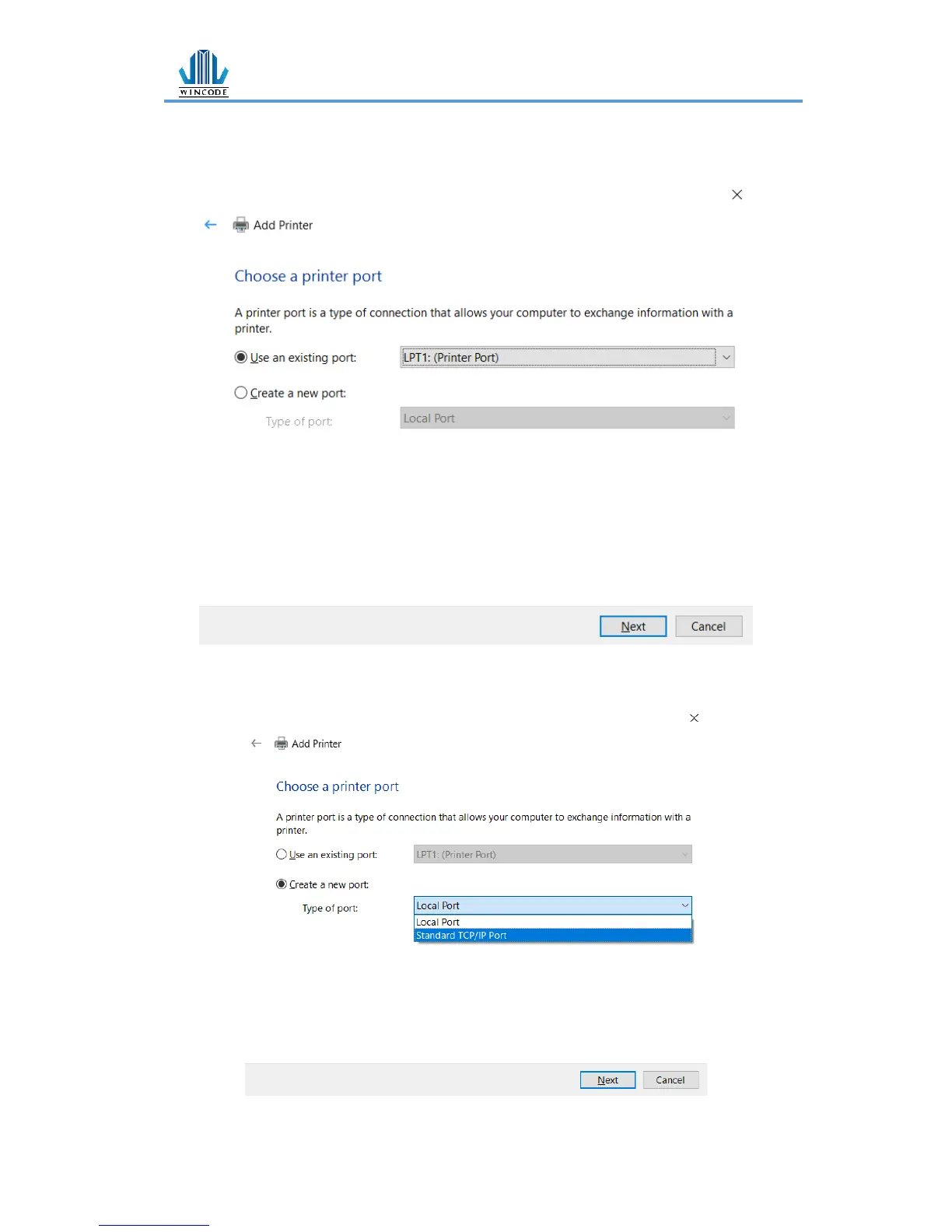
2) Choose a printer port
• For USB, COM, LPT printers, please select “Use an exist port”, choose the
type of connected port, click “Next” (Go to step “6)”)
• For TCP/IP printers, please select “Create a new port”, choose the type of
connected port, click “Next”


 To Next Page