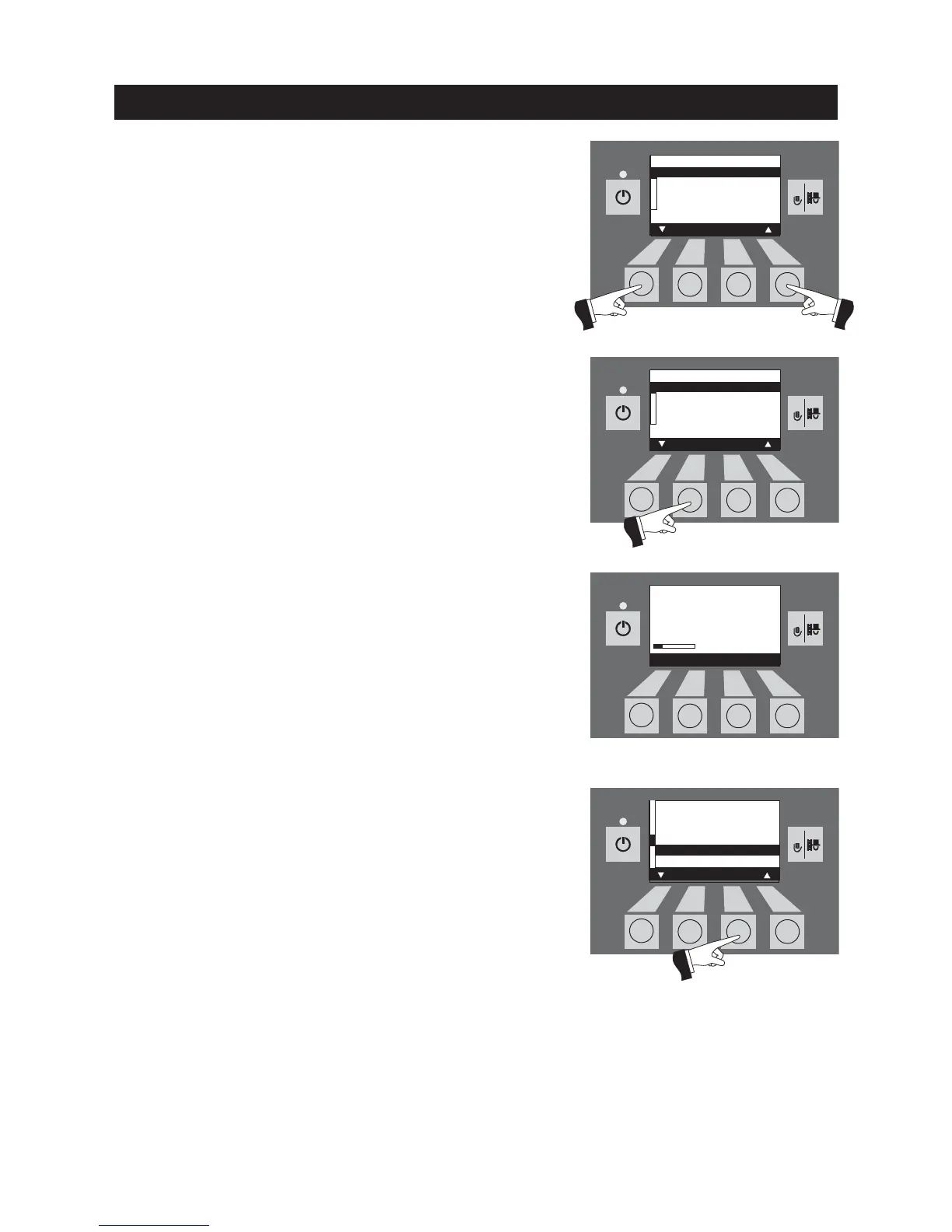
Use the
arrow
buttons to select the required probe switching –
Fig. 100.
Fig. 100
Operation
Fig. 101
Fig. 103
Save the changed probe switching by pressing the
Yes
button –
Fig. 101. The display shows „Parameter is saved“ for a few seconds
(Fig. 102) and then changes back to the previous level.
Tip: This menu item is also needed for „Pellet store maintenance“
in order to switch off one specific probe at a time – see also the pel-
let store planning documents.
The menu item or sub-menu item is exited by pressing the
Back
button (Fig. 103) or after a delay of 45 seconds.
Fig. 102
Probe switching
Automatic
Only probe 1
Only probe 2
Only probe 3
Save
Yes No
Parameter is
saved



 To Next Page