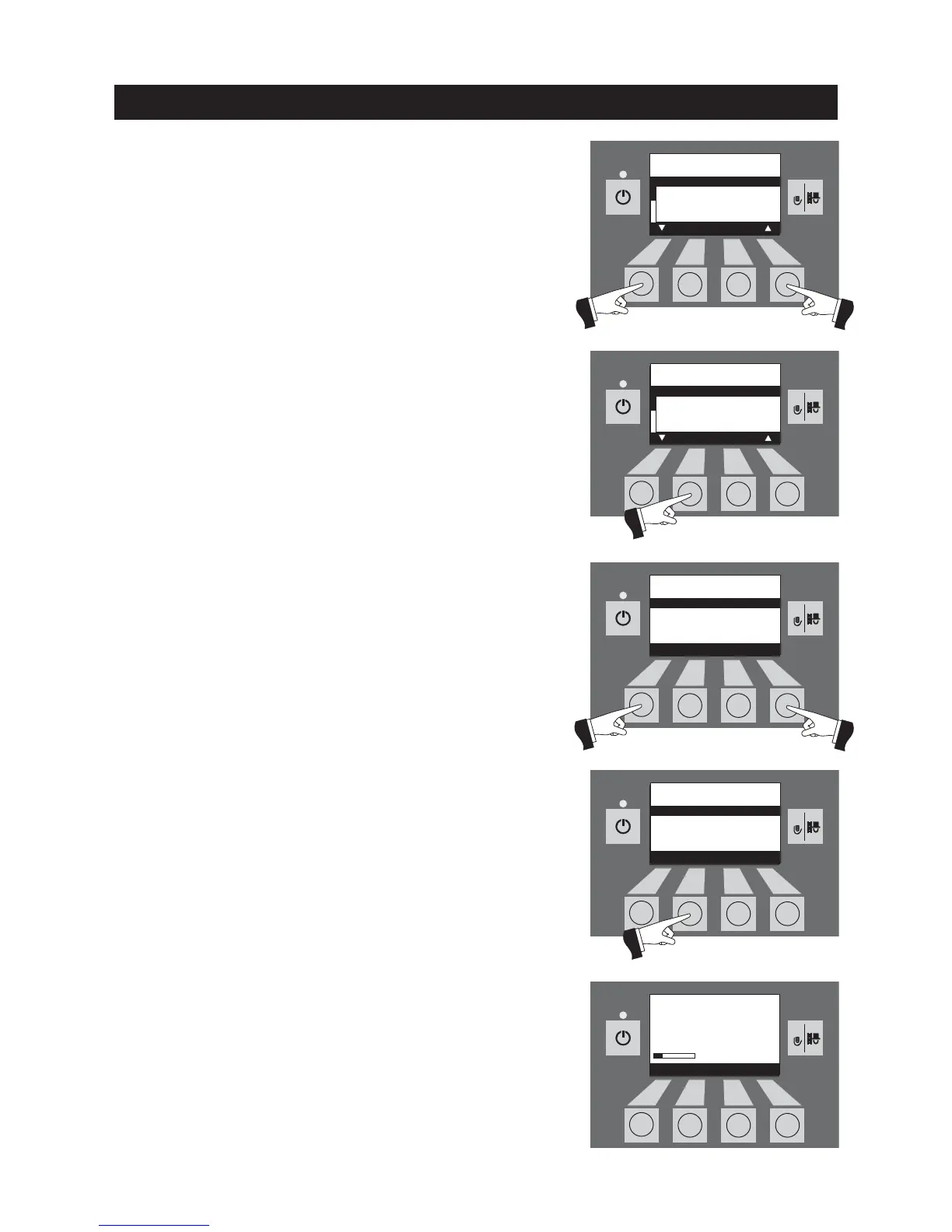
Use the
arrow
buttons to select the start time you want to change,
1 or 2 – Fig. 109.
Confirm the selected start time by pressing the
Choose
button –
Fig. 110.
Fig. 109
Fig. 110
Fig. 111
Fig. 112
Fig. 113
Pressing the
+
or
–
button changes the time in 15 min. steps –
Fig. 111.
Save the changed time by pressing the
Yes
button – Fig. 112. The
display shows „Parameter is saved“ for a few seconds (Fig. 113) and
then changes back to the previous level.
Start times for
ash compression
Start time 1 08:00
Start time 2 22:00
Choose Back
Start times for
ash compression
Start time 1 08:00
Start time 2 22:00
Save
– Yes No +
Parameter is
saved



 To Next Page