SECTION 3 –
DRIVING YOUR MOTOR HOME
3-6
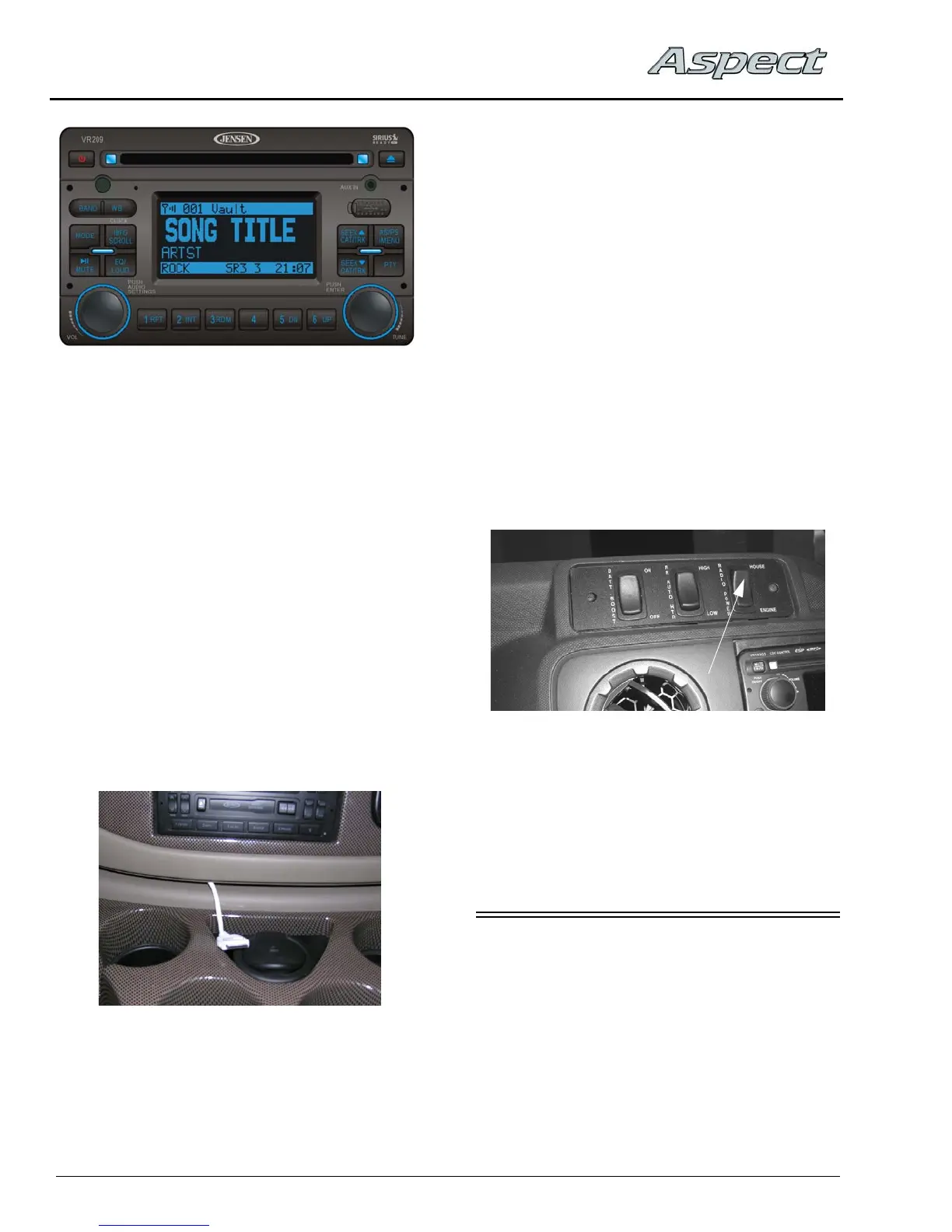
Please refer to the manufacturer’s operating
guide in your InfoCase for detailed instructions
on programming preset station buttons and using
this full-featured radio/audio system.
Satellite Radio
–If Equipped
Your coach may be equipped with a Sirius
®
satellite radio receiver that plays through your
radio.
See the receiver manufacturer’s information
in your InfoCase for programming and operating
instructions.
iPod Cable
-If Equipped
Your coach is equipped with a cable to
connect your iPod to play through your radio.
This cable is in the motor cover beverage tray.
See the manufacturer’s information in your
InfoCase for operating instructions.
Radio Remote Control
A hand-held remote control for the radio lets
you change radio stations or CD selections from
a distance for your convenience. The remote
control is included in your InfoCase.
Radio Power Switch
The Radio Power switch lets you connect the
dash radio to the coach batteries with the ignition
switch turned off for listening while parked. This
prevents accidental draining of the chassis
battery with prolonged use of the radio.
NOTE:The House/Coach Battery Disconnect
switch must be ON while listening to the
dash radio, as the audio relay is powered
by house batteries. If the House/Coach
Battery Disconnect switch is OFF, the
speakers will not emit sound.
Further Information
See the manufacturer’s user guide provided in
your InfoCase for complete operating
instructions.
ENGINE ACCESS – INTERIOR
Front Engine Cover
NOTE: Take precautions to protect carpet and
interior furnishings when removing
engine cover. The underside of the engine
cover could contain deposits of oil and
fuel or other engine fluids and
substances that could damage fabrics
and interior furnishings.
Radio Power Switch
(Located on dash)
-Typical View



 To Next Page