8-7
SECTION 8 –
ENTERTAINMENT
Further Information
See the Digital Satellite System user guide
provided in your InfoCase for complete operating
instructions.
TV DIGITAL SATELLITE
SYSTEM – AUTOMATIC
–If Equipped
The Automatic Digital Satellite Television
System allows you to receive TV programs
directly from satellite to your coach. The
programs are transmitted in digital format so the
quality is equal to laser disc or CD.
We recommend that you read the satellite dish
manual thoroughly to understand the system
completely before attempting any setups or
adjustments.
• The coach must be parked and level before
attempting to operate the automatic antenna
dish.
• There must be a clear “line of sight” to the
satellite. Mountains, buildings, trees,
telephone poles and other obstructions can all
block the satellite signal from reaching the
dish.
• When activated while parked, the dish
antenna will seek the selected satellite
automatically.
• Press the SAT switch on the Video Selection
Panel to connect the Satellite System to the
TV.
Further Information
See the Automatic Satellite System owner’s
manual in your InfoCase for a complete
description of features and instructions.
EXTERIOR ENTERTAINMENT
CENTER
–If Equipped
The exterior entertainment center contains a
stereo radio/CD player, electrical outlets and a
convenient TV hook-up for your outdoor
listening or viewing pleasure.
NOTE: These electronic devices and speakers
are not designed to be waterproof.
Please take measures to prevent rain or
other precipitation from entering the
entertainment center by closing the
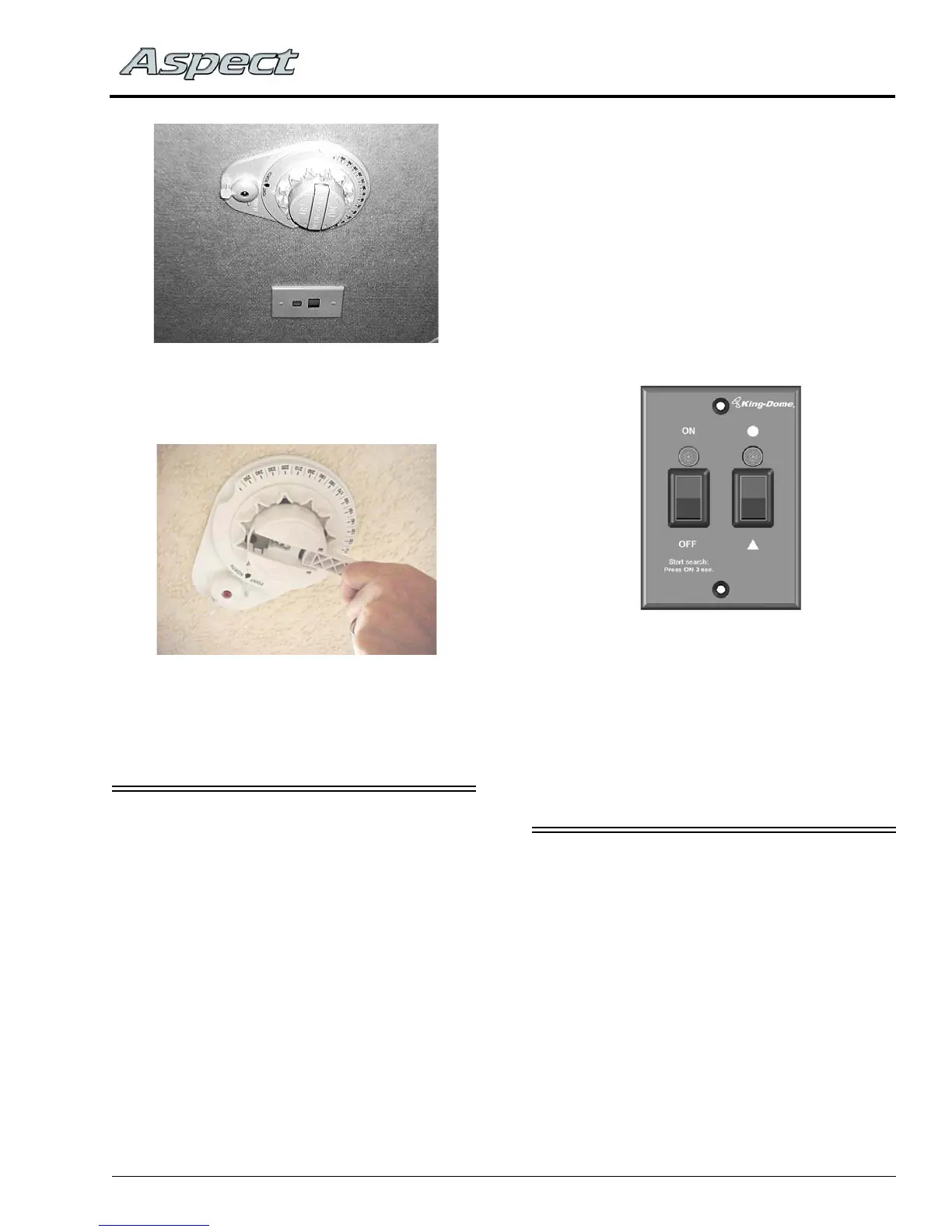
Digital Satellite Dish Control
(Located on ceiling)
-Typical View
Automatic/In-Motion Satellite Dish Control
(Located in overhead cabinet or
entertainment center cabinet,
depending on model)



 To Next Page