SECTION 8 –
ENTERTAINMENT
8-4
• When the main menu screen appears, use the
arrow buttons on the DVD remote to select the
desired entry or press the ENTER or PLAY
buttons on the remote (or “Play” button on
DVD player) to begin playing the feature.
• Volume is adjusted with the DVD remote or
volume buttons on DVD player.
Antenna
• Turn ON TV and Video
Selection panel.
• Press TV ANT on TV3
section of Video
Selection panel.
• Tune TV to desired channel.
Cable
(Park cable input located in power cord
compartment)
• Turn ON TV and tune to desired channel.
Play TV Through Stereo Speakers
• Tune TV to desired channel or input.
• Turn ON the radio and press the Mode button
on the remote or the radio until it displays
“AV-IN1”.
• Adjust the volume on the TV or the radio for
desired level.
Further Information
For further information and operating
instructions, see the manufacturer’s information
provided in your InfoCase.
TV ANTENNA - DIGITAL
(Jack
®
Digital HDTV Over-the-Air
Antenna)
Your coach is featured with a digital antenna,
which provides crystal clear digital HD reception
of over-the-air channels in addition to superior
broad reception range.
The digital antenna is equipped with a built-in
amplifier for maximum VHF and UHF
programming.
Operating the Digital Antenna
1. Turn the Video Selection box ON.
2. Turn ON the Signal Meter Power switch
(located on the side of the Signal Meter).
3. Rotate the Attenuator Dial fully
CLOCKWISE.
Never allow the antenna to touch
electrical power lines or any other
electrical wires.
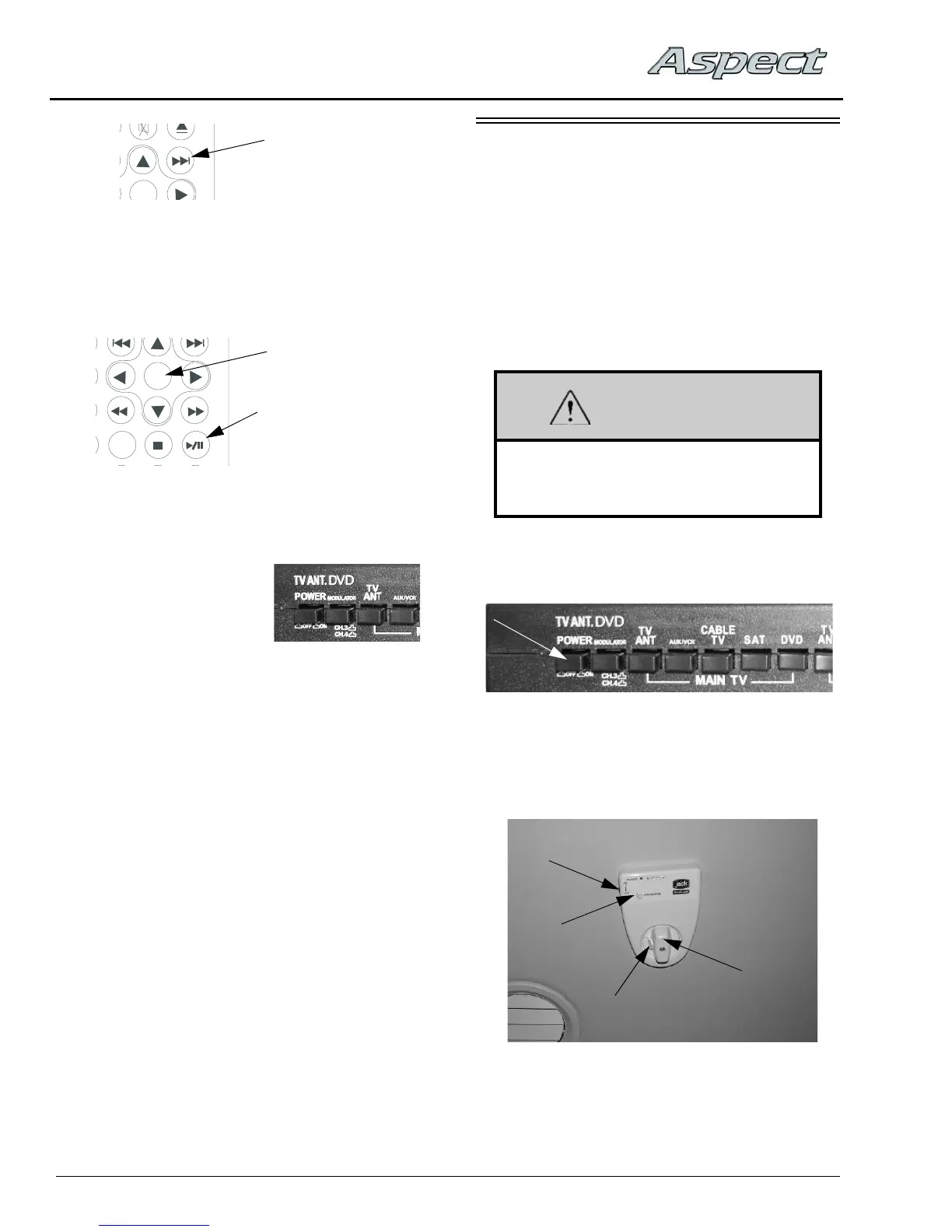
Video Selection Box
(Located near entertainment center cabinet)
Digital Antenna Signal Meter
(Located on ceiling)
• Signal Meter
Power Switch
• Attenuator
Dial
• Release
Button
• Rotational Knob
(arrow indicates
which direction
antenna is pointing)



 To Next Page