SECTION 8 –
ENTERTAINMENT
8-2
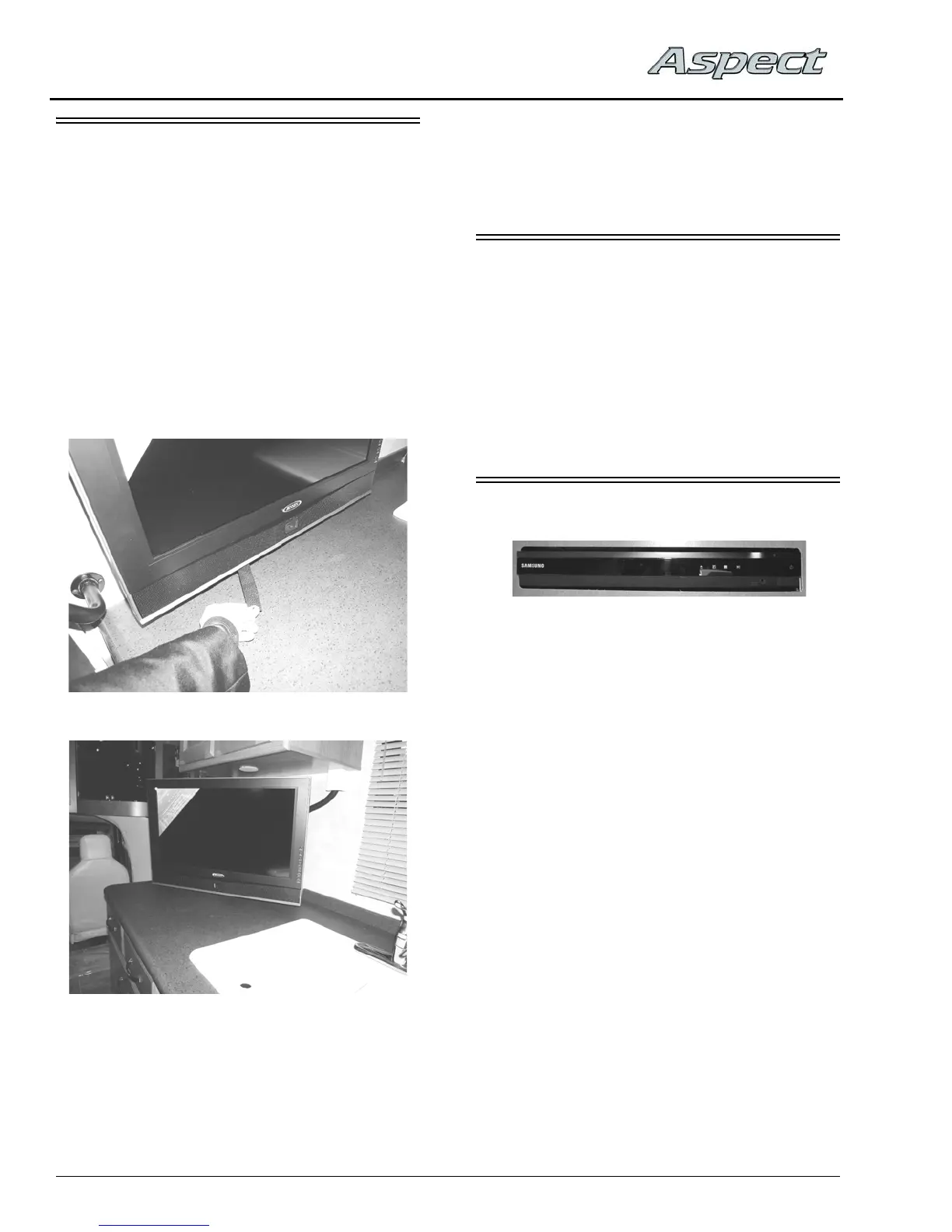
TV – (SWING-OUT)
–If Equipped
(Typical View - your coach may vary in
appearance according to floorplan)
Your coach may be equipped with a TV
swivel/telescoping mechanism, which allows
you to angle the TV to best suit your viewing
needs.
To Swivel TV
1. Pull the black strap (located on back side of
TV) straight DOWN to release the TV from
the mounting bracket.
2. Pull the TV out and pivot to desired position.
3. Rotate TV back to center position and press
straight back towards wall. You will hear a
“click” when the TV is secured into locked
position.
Further Information
See the television manufacturer’s user guide
provided in your InfoCase for complete operating
instructions.
AUDIO-VIDEO SYSTEM BASIC
OPERATION
NOTE: For your convenience, we have also
included a handy, tear-out version of this
“A/V System Basic Operation” guide in
Section 8 of your Operator’s Manual
Supplement.
See your InfoCase for specific operating
guides for audio and video components.
DVD HOME THEATER SYSTEM
The DVD Home Theater System operates
from 120-volt AC household current only, so you
must have either the shoreline connected, the
generator running, or the inverter turned on (if
equipped).
The TV is connected to the Home Theater
System, which plays through theater speakers in
the lounge area of the coach.
Set TV Video Input
• Turn ON the TV and DVD Player.
• Press the SOURCE or FUNCTION/TV
SOURCE button on the TV remote or front of
TV and select HDMI1 input to connect the
DVD Player.
The TV screen will display the DVD player
logo when the correct input is selected.
Play DVD with Theater Sound
• Insert DVD into player. DVD will begin to
load automatically. TV screen will typically
show “READING” or “LOADING”.



 To Next Page