Pergola SO! | User manual
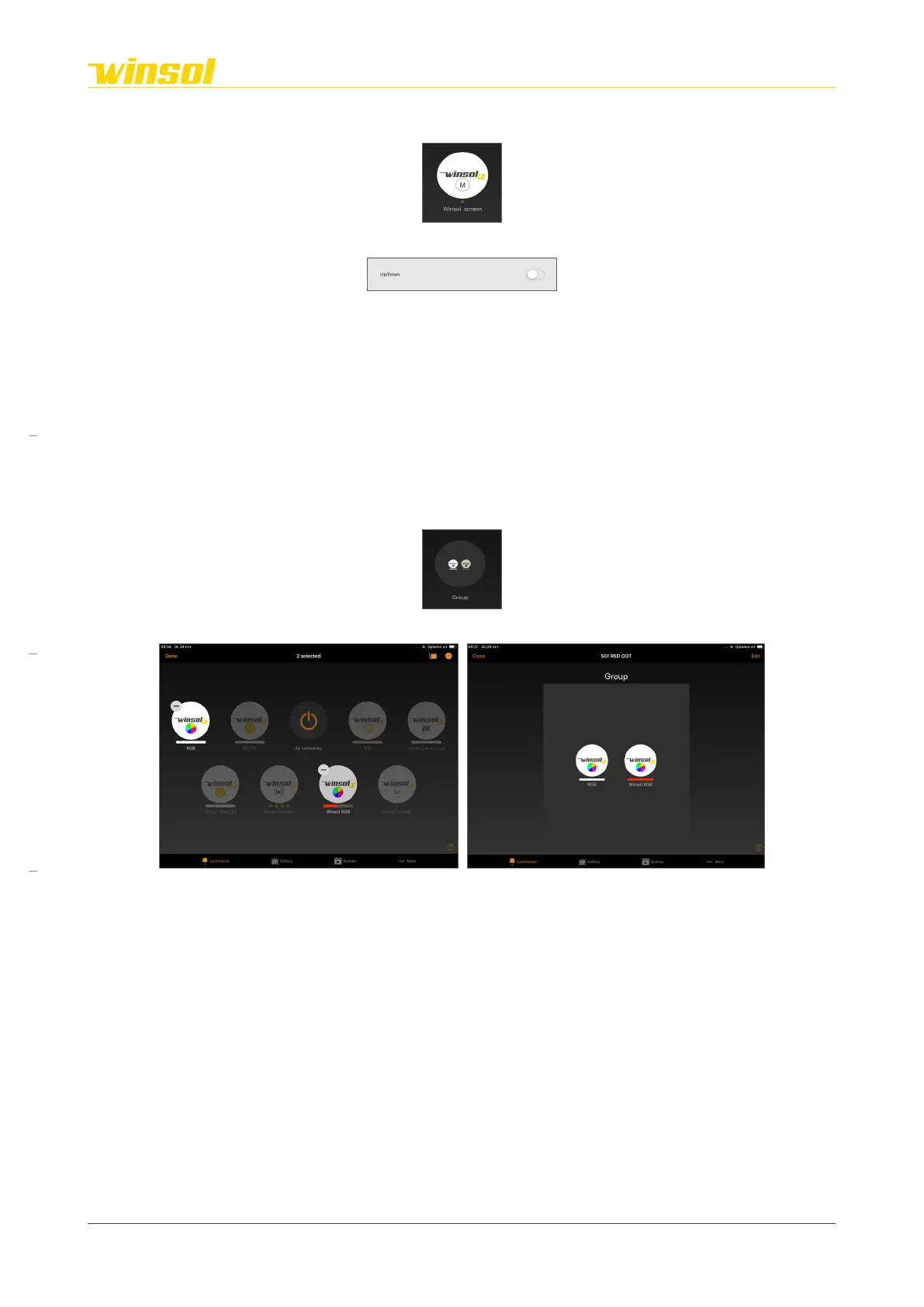
3.3.7. Interaction | Screen modules
Icon:
Control menu:
Use
• Use the screen module to successively lower/stop/raise the screen.
• The screen motor has a built-in thermal security option. This option temporarily turns off the motor
when it overheats due to repeated use.
• The end positions of the screen will be configured by your expert during the installation.
• The screen has obstacle detection.
3.3.8. Interaction | On/Off modules
Icon:
Control menu:
These can control heating units, for example.
3.3.9. Interaction | Group
Icon:
Create group:
1. Select “Group” in the title bar.
2. Select the modules you want to add
3. Select “Done”
Controls:
You can control the complete group using the group feature module on the homepage. Or you can
open it to control the individual feature modules.
Rev. 16:24 18/03/2023
Page 11/27
Winsol | Sun protection
EN
2023



 To Next Page