Pergola SO! | User manual
4 . Audio
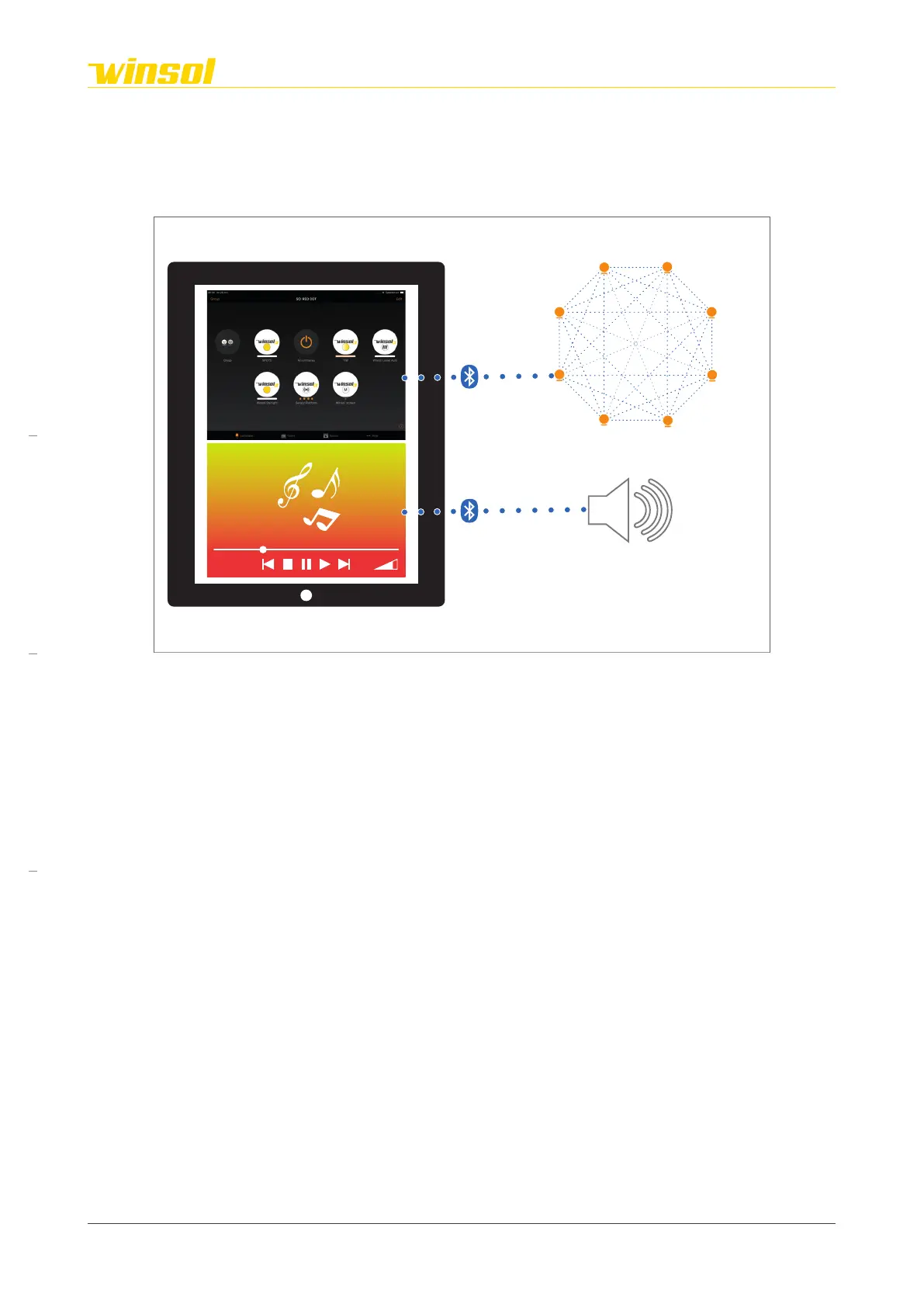
4.1. Media player
You can stream audio using any media player app on your smartphone/tablet using Bluetooth. This
takes place next to the Casambi app, but is not a part of it. Based on the selected product, you will have
2 or 4 audio speakers.
SO!
Casambi Network
Screen 1
Etc...
Spots
Direct light
Indirect light
HeaterStarligt
Louvre motor
4.2. Connecting device
Steps:
1. If not yet turned on, activate the Bluetooth connection on your smartphone/tablet.
2. If your device is still connected to another Bluetooth device, you must first select the “Unpair” option.
3. Open the Bluetooth settings and “pair” to (connect with) Winsol audio.
4. Open a media player on your smartphone/tablet.
5. Select your playlist or music files.
Rev. 16:24 18/03/2023
Page 13/27
Winsol | Sun protection
EN
2023



 To Next Page