Pergola SO! | User manual
3.3.5. Interaction | Sensor module
Icon:
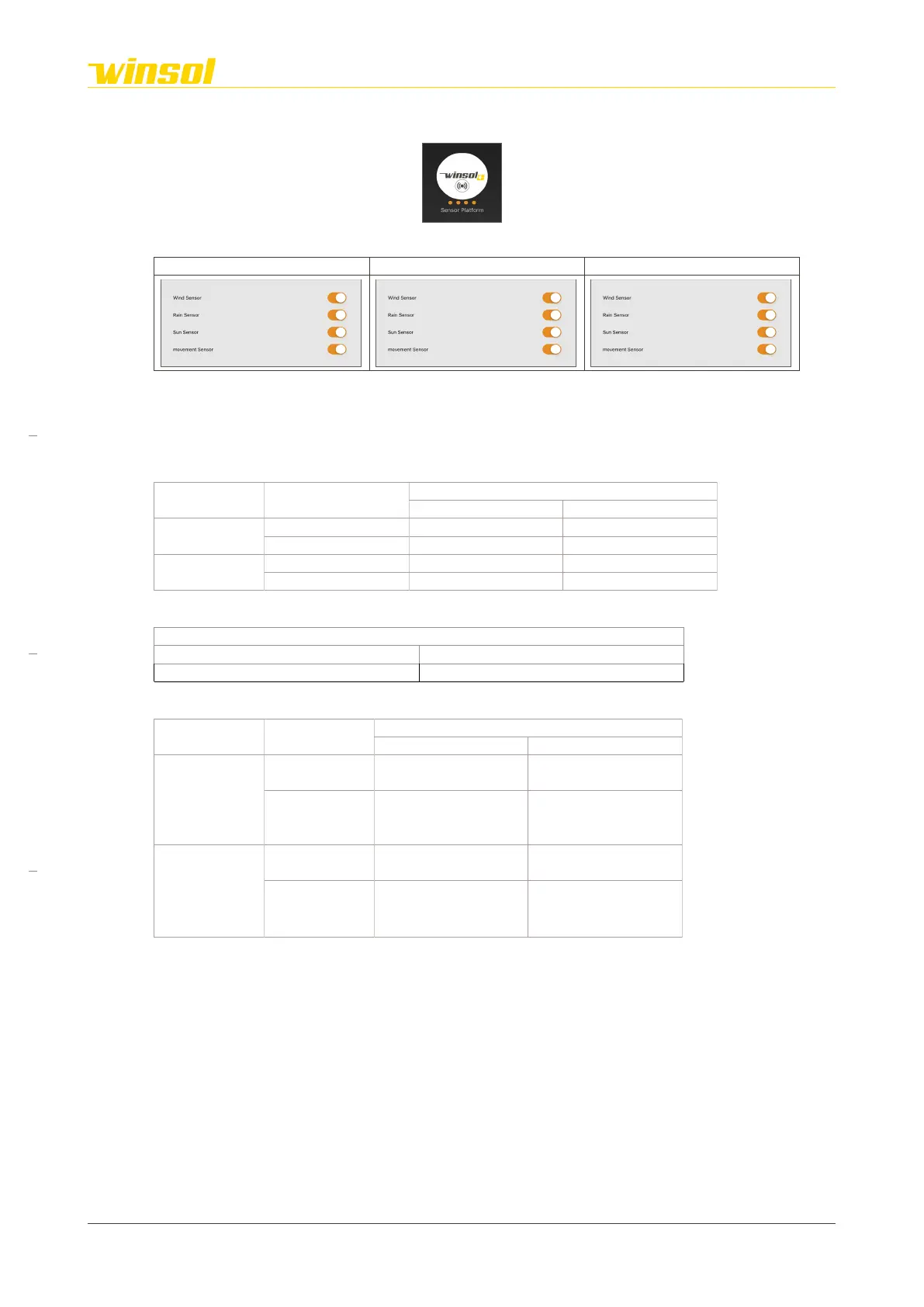
Control menu:
Cosy: Chique: Star:
With the exception of the temperature sensor, the other sensors (present based on your chosen product
options) can be deactivated independently. Deactivating sensors can lead to safety risks and both
personal and material damage. The actions of the sensors in each situation are set out in the diagrams
below.
Louvres:
Rain sensor Temperature sensor
Wind sensor
Dry
≥ 3°C no action Louvres min 30°
Rain/Snow
≥ 3°C 0° Louvres min 30°
Screens:
Intelligent:
Motion sensor Light sensors
Lower than desired* Higher than desired*
Present
Sun
Auto. 33%, 66%, or 100%
(heating)
Automatic 0% sun
(ventilation)
No sun
Closed louvres
(retain heat)
90°
(maximum amount of
light)
Absent
Sun
Auto. 33%, 66%, or 100%
(heating)
Automatic 0% sun
(ventilation)
No sun
90°
(maximum amount of
light)
90°
(maximum amount of
light)
*Cold/Warm slider
– cold = 17±3°C
– warm = 27±3°C
Rev. 16:24 18/03/2023
Page 9/27
Winsol | Sun protection
EN
2023



 To Next Page