11
Front Panel
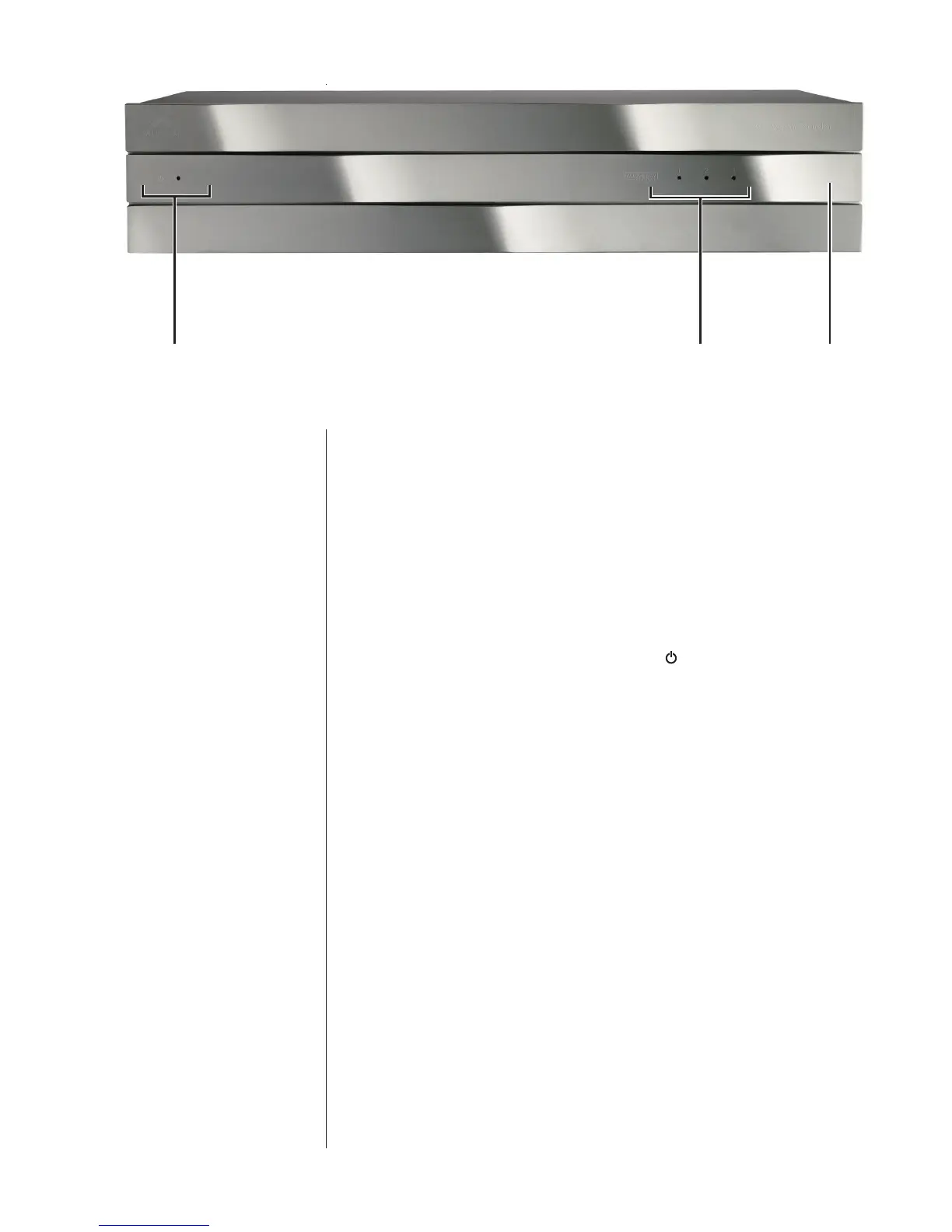
1 Power Switch, Standby Indicator and Input Clip Indicator
TheSC-1featuresasculptedfrontpanelthatconcealstwoswitchesunder
theexibleendsofthemiddlesection.Ontheleftside,gentlypressing
theendofthecentersectionwillengageamicroswitchunderthefaceof
theSC-1,whichwillinturntoggletheunitbetweenoperateandstandby
modes.Theinternationalsymbolforpower isinscribedinthislocation
todesignateitspurpose.
TheamberLEDindicatorontheleftsideofthecentersectionislitwhen
theSC-1isinstandbytoindicatethatitisreceivingpower;itisoffwhen
theSC-1iseitherfullyonorwhenthereisnopowerbeingsuppliedtothe
unit.(WhentheSC-1isfullyon,oneofthesetupmemoryLEDswillbelit
toindicatebothpowerandwhichsetupmemoryisbeingused.Ifallthe
LEDSareoff,nopowerisbeingsuppliedtotheunit.)
TheSC-1requiresseveralsecondsto“bootup”whencomingoutofstand-
by.TheamberLEDashesduringthisstartupprocess,turningoffwhenit
iscomplete.OneoftheSetupMemoryLEDswillturnonatthispointto
indicatewhichmemoryisactive).
Finally,iftheSC-1detectsinputclippingonanyofitschannels,the
StandbyLEDwillashrapidlyforthreeseconds.Iftheclippingcontinues
(atleastonceperthree-secondinterval),itwillcontinueashing.Inthe
unlikelyeventthatyouseethisindication,youshouldturnthesystem
volumedowntoreducedistortionandpotentialdamagetoyourspeakers.
2 Setup Memory LED Indicators
TheWisdomSystemControllerincorporatesthelatestversionof
AudysseyMultEQ
®
XTroomcorrectiontoenableittoaddressroom-
specicproblemsthatwouldotherwisecompromiseperformance.Under



 To Next Page