26
Wisdom System Conguration
Connecting the PC TurnonbothyourPCandtheSC-1.Waitapproximatelythirtysecondsforthe
SC-1tonishitsstartuproutines,andforaslongasittakesforWindowsto
completelystartup.
Important: DonotconnectthethePCtotheSC-1untilbotharefully“on”
(meaningneitherOffnorinStandby).Also,donotShutDownyour
PCwhileitsUSBcableisstillconnectedtotheSC-1.
UsingtheUSBA-BcableintheAudyssey™Installer’sKit,connecttheSC-1to
thePConwhichisinstalledtheWisdomSysCongandAudysseyMultEQ
®
Pro
software.(NotethattheSC-1mustbeallowedtonishitsstartupprocessbefore
connectingittothePCviaUSB.)
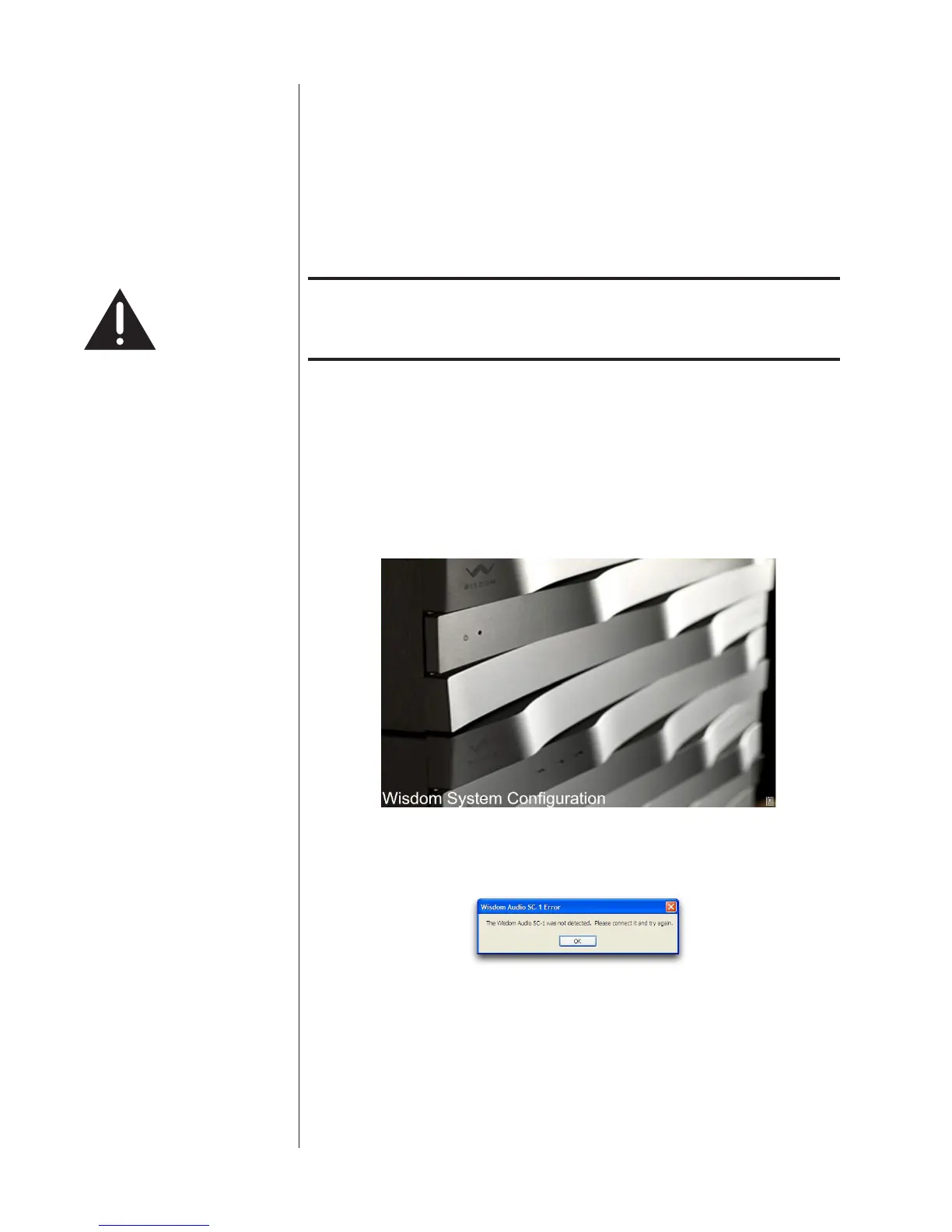
LaunchtheWisdomSysCongapplication.Youshouldseeasplashscreenfora
fewsecondsthatlookslikethefollowing:
Wisdom System Conguration
IftheconnectionbetweenthePCandtheSC-1isnotmadeforanyreason,you
willseeanerrornoticationonyourPCscreen:
Double-checkyourUSBcable,clickOK,andretrytheconnection.Whencom-
municationisestablished,youwillbetakentothenextscreen.
Basic Setup IfthisisthersttimetheSC-1hasbeensetup,youwillreceivethefollowing
errormessage.



 To Next Page