37
Equipment Info
Thisinformationwillbeincludedonthecerticatethatisavailablefromthein-
stallersectionoftheAudysseywebsite.
Measurement TheMeasurementscreeniswhereMultEQ
®
Procollectsthedataitrequiresfor
accurateroomcorrection.Atthispoint,yourinstallerwillconnectanXLRcable
betweenthemicrophonepreamplierLINEOUTconnectorandtheLeft input
oftheSC-1(thetop-leftcornerasseenfrombehind).
Themicpreampshouldbeplacedasclosetothemicrophoneaspossible(e.g.,
theshortestcablelength).UseanyadditionalXLRcablesbetweenthemic
preampandtheSC-1,wheretheywillcarrythelinelevelsignal.
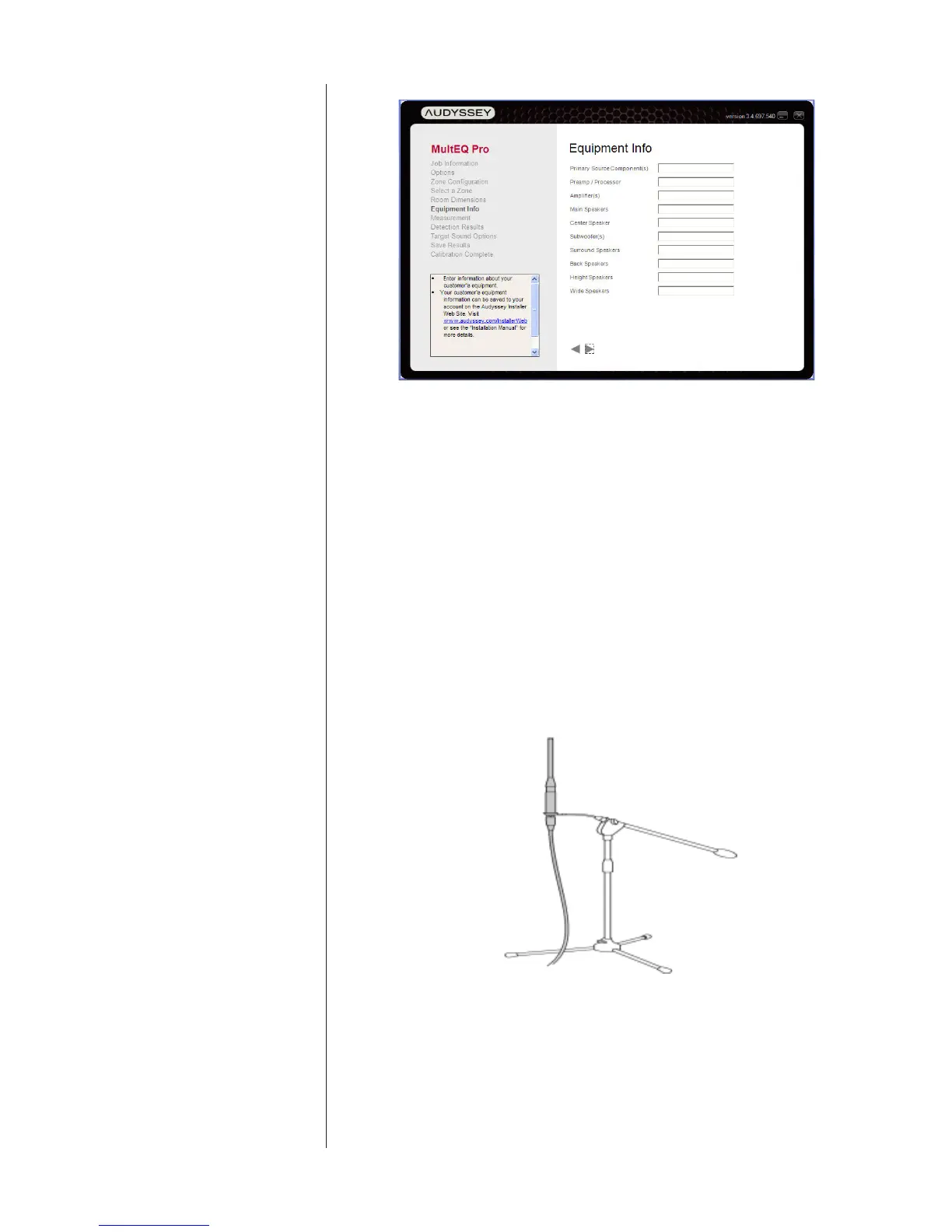
Microphone position Placethemicrophoneinaverticalpositionwiththecapsulepointingdirectlyat
theceilingforallroommeasurements.Makesuretherearenonearbyobstruc-
tionsorlargereectingsurfaces.
(artwork courtesy of Audyssey Laboratories™)
TheMeasurementscreenincludesahelpsectionofscrollingtexttoprovide
moredetails.(Seebelow.)Someimportantnotes:
• Themicrophoneshouldbepositionedasfaroutfromthestand
aspossibletominimizetheeffectofstandreections.Themicro-



 To Next Page