33
Audyssey MultEQ
®
Pro
Launching MultEQ Pro Atthispoint,theSC-1knowsallthecriticalinformationabouttheassociated
equipmentwithwhichitisworking,exceptforthemostimportantcomponent
ofall:yourlisteningroom.
Note: Yourinstallerhasbeentrainedandhasathoroughknowledgeof
theAudysseyMultEQProsoftware.Additionalinformationabout
itsrecommendeduseanddetailedexplanationsofthetechnology
isavailableintheAudyssey MultEQ Pro User Guide for the Sound
Equalizer.
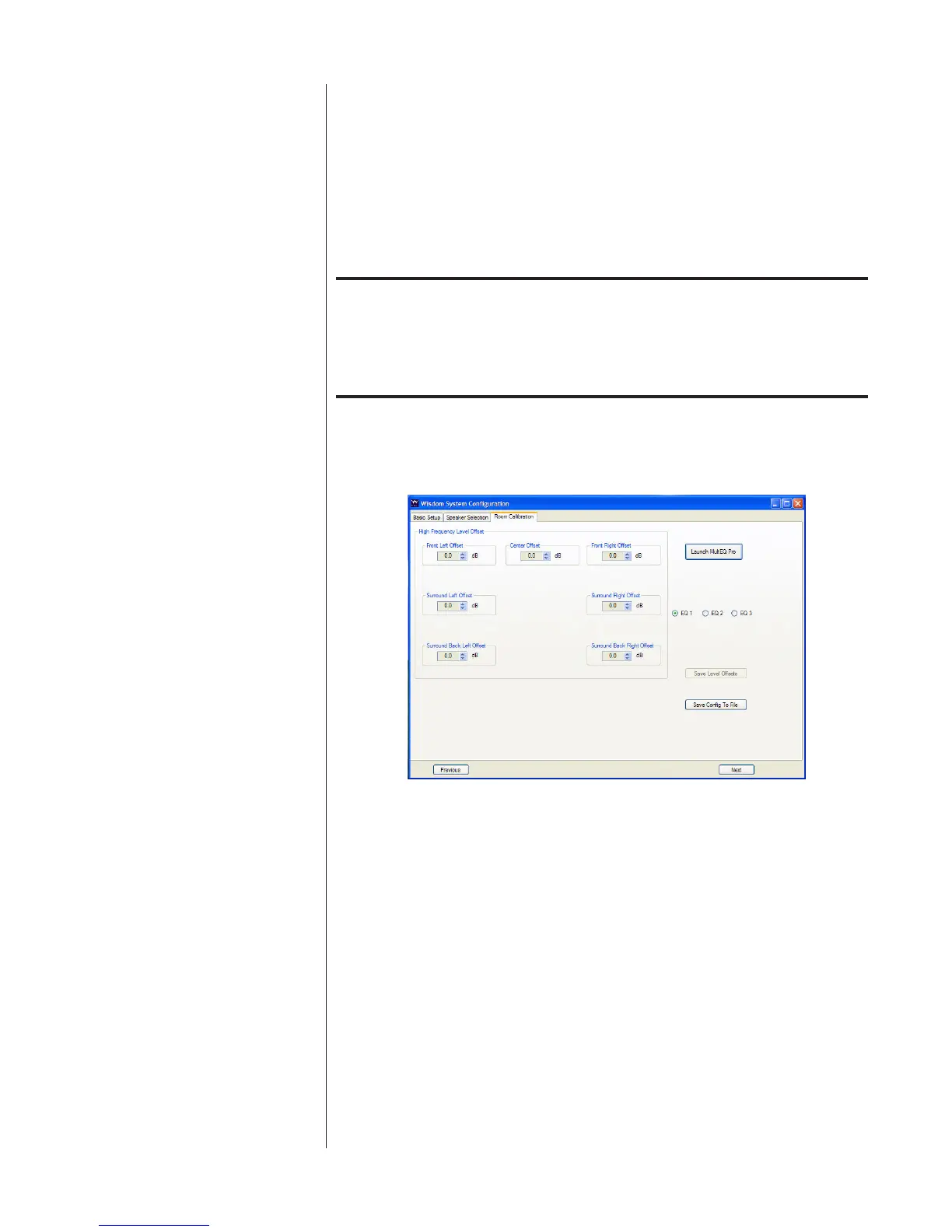
MovingtotherightsideoftheRoomCalibrationscreen,selecttheEQ1radio
buttonandclicktheLaunchRoomCalibrationbutton.
Room Calibration
DoingsowilllaunchMultEQProinawindowthatsitsinfrontoftheWisdom-
SetupCongwindow.



 To Next Page