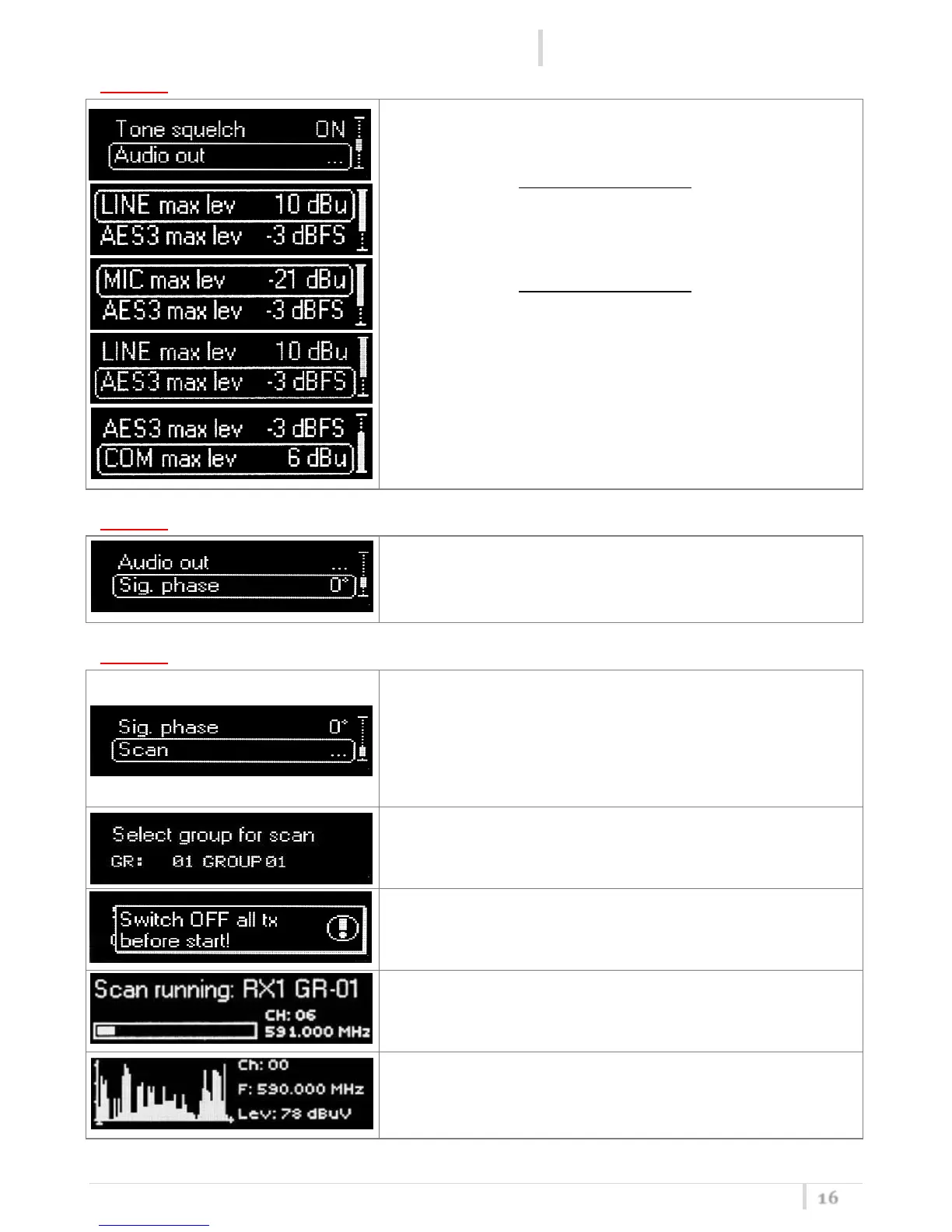
In Audio Out it’s possible to set the maximum audio output.
For MCR42 with Hardware version ≥ 21, the max audio level
of the RX1/RX2 output can be set from -30dBu to -10 dBu (in
the first selection appears “MIC max lev”) and from -8dBu
to +12 dBu (in the first selection appears “LINE max lev”)
For MCR42 with Hardware version < 21, the max audio level
of the RX1/RX2 output can be set from -18dBu to -12
dBu (“LINE max lev”)
The max audio level of the COM output can be set from -18
dBu to +12 dBu in one dB step.
The max audio level of the AES3 output can be set from -
30dBFS to 0 dBFS in one dB step.
This function can be called also using the dedicated scan
button (push and keep). It allows to make a scan over a
desired frequency group.
MCR42 manages up to 2400 custom frequencies organized
in 40 groups of 60 channels each. This extreme flexibility
makes the scan function very flexible.



 To Next Page