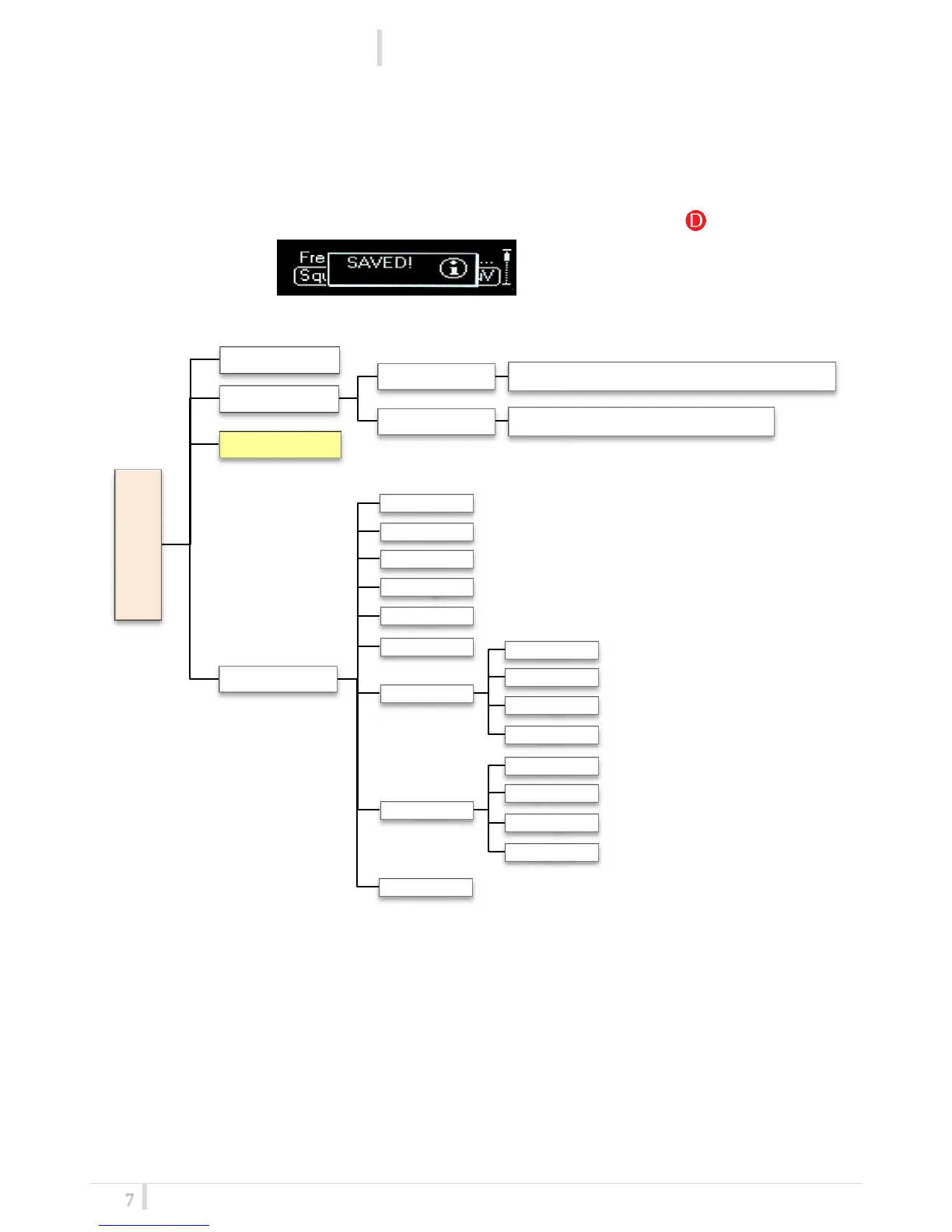
Display menu
Using navigation buttons it is possible to quick & easy navigate through the MCR42 menu:
- SEL/Exit to enter or exit a level
- Arrow up/down to circle on the same level
- To save the modified parameters press and hold the SEL /MENU button ( ) until appears the
message "SAVED!".
MAIN
Infrared
Preset
Restore PRESET_1 / PRESET_2 / PRESET_3 / Factory
Save PRESET_1 / PRESET_2 / PRESET_3
Advanced
Info
Power
Model
Serial
Range
Base
Alim
FW
Version
BL
App
DSP
HW
HW rev
Options
Top
Display
Errors



 To Next Page