Read:
Push the button Read from file or select the File>Read from file menu and select the .wdf file to
load. This operation loads the channels configuration in the central grid (local). In order to load the
channels configuration in the MCR41/42, after a Load operation, it is necessary to do a Write
operation.
Write:
Push the button Write to device: this operation writes the channels configuration showed in the
central grid to the channels memory of the MCR41/42.
Clear:
Select Channels menu and select Clear. This operation clears only the channels memory showed in
the grid (local). In order to clear the channels memory in the MCR41/42, after a Clear operation, it
is necessary to do a Write operation.
Save:
Push the button Save to file or select File>Save to file menu and decide the name of .wdf to save.
This operation create a .wdf file using the channels configuration showed in the central grid, it
doesn’t save the configuration in the MCR41/42.
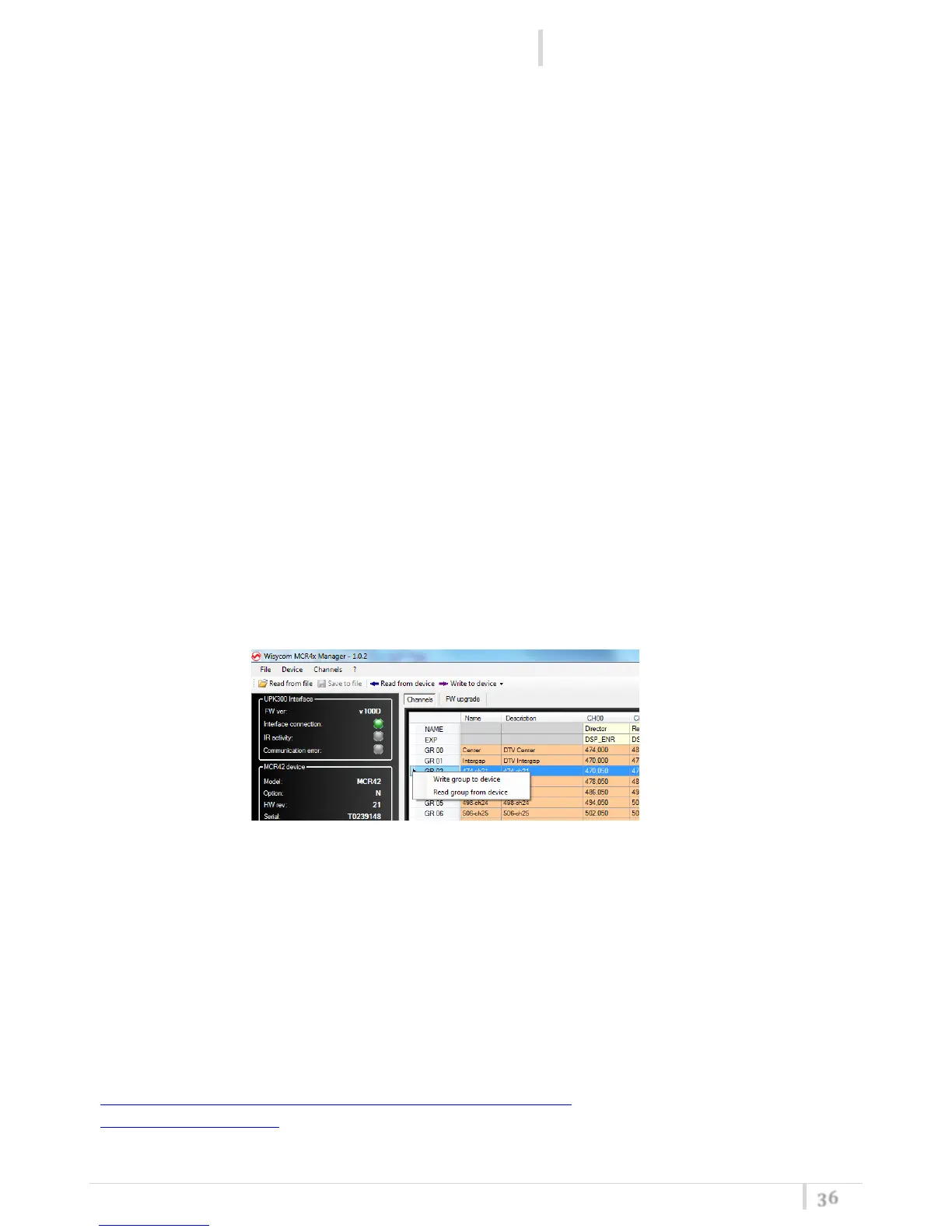
Read/Save a single group:
Click and then right click on a group name to read or write a single group (it’s possible to use this
function only after a read operation of all frequencies).
NOTE
3
: Read and Write operations of all frequencies, require around 1 minute (only few seconds
for a single group)
NOTE
4
: For small changes of channels memory, it is possible to select only the modified cells and
write only the changes. In this case only the selected channel/group are written to the MCR41/42
and the writing process is more fast.
NOTE
5
: For MCR41 only one receiver is showed and can be configured.
For more information or support, download the user manual of MCR41/42 at the following link
http://www.wisycom.com/www3/products/product/mcr42#4 or email us at
support@wisycom.com



 To Next Page