WT53R-485 Manual v23-0720 | www.wit-motion.com | support@wit-motion.com
10
5 Software Connection
(Old version software instruction)
Note:
1. The object to be measured and the sensor should be as parallel as possible.
If there is a deviation, the deviation angle cannot be greater than the laser
emission angle.
2. To detect fast-moving objects, the sampling frequency should be adjusted
(WT53R-TTL sets the timing preset time and measurement time interval).
3. The laser light source is a beam-type laser that is invisible to the naked eye
(the laser can be seen with a mobile phone camera). Obstacles in the emission
angle of the light source will affect the ranging effect.
4. The module is affected by natural light. In general, the stronger the natural
light, the greater the impact. That is, the ranging distance becomes shorter, the
accuracy becomes worse, and the fluctuation becomes larger. Under strong light
(such as sunlight), it is generally recommended to be used in close-range
detection scenarios.
5.1
Device
⚫ Software and driver download
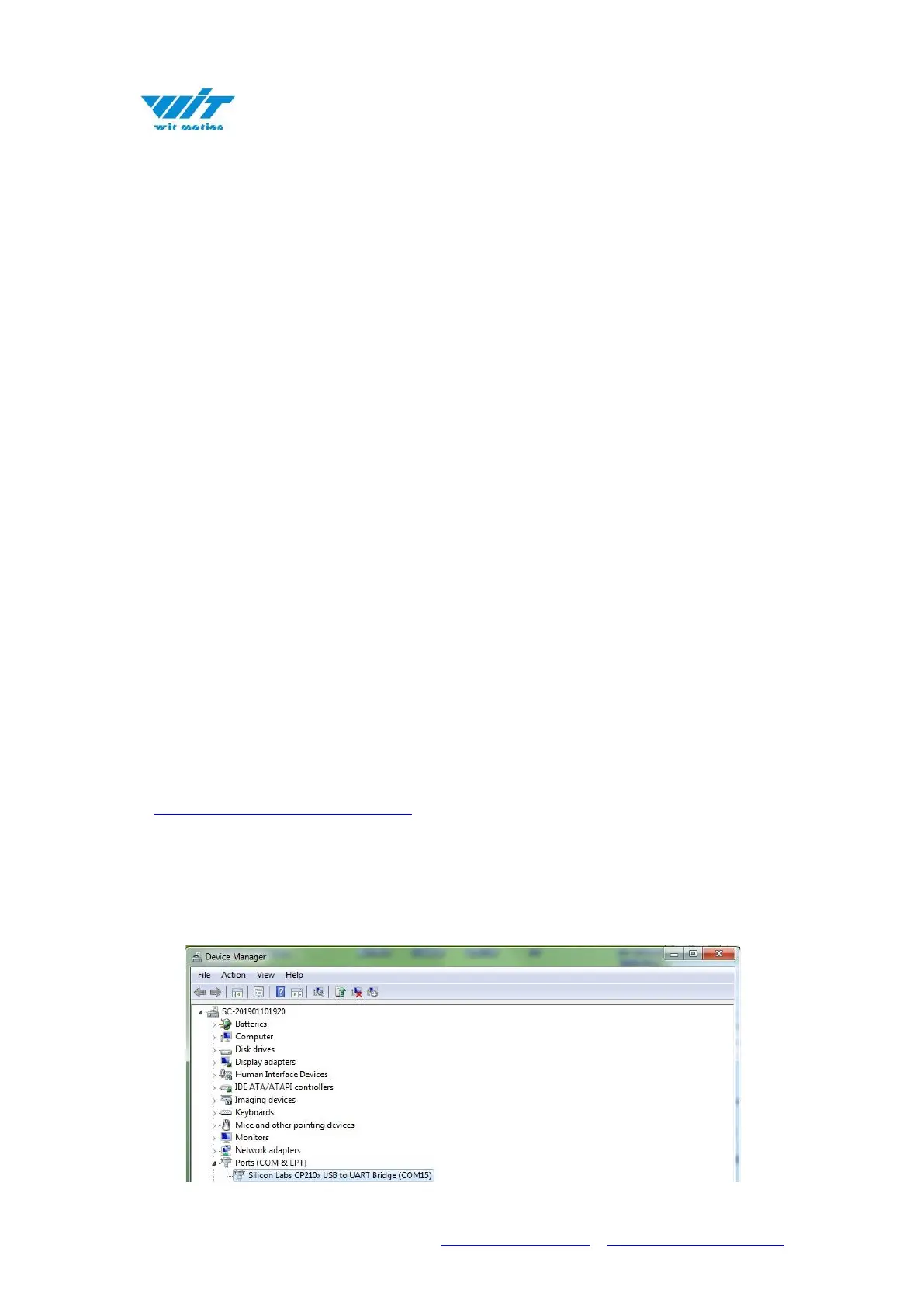
First, connect the module to the computer through the serial port module. After
installing the driver corresponding to the serial port module, the corresponding
serial port number can be queried in the device manager, as follows:



 To Next Page