WT53R-485 Manual v23-0720 | www.wit-motion.com | support@wit-motion.com
6
4 Hardware Connection
4.1
Serial Connection
Step 1. Connect the sensor with offered Type-C wire.
(Warm Reminder:If you wanna use a longer cable,it should be a standard
Type-C data cable)
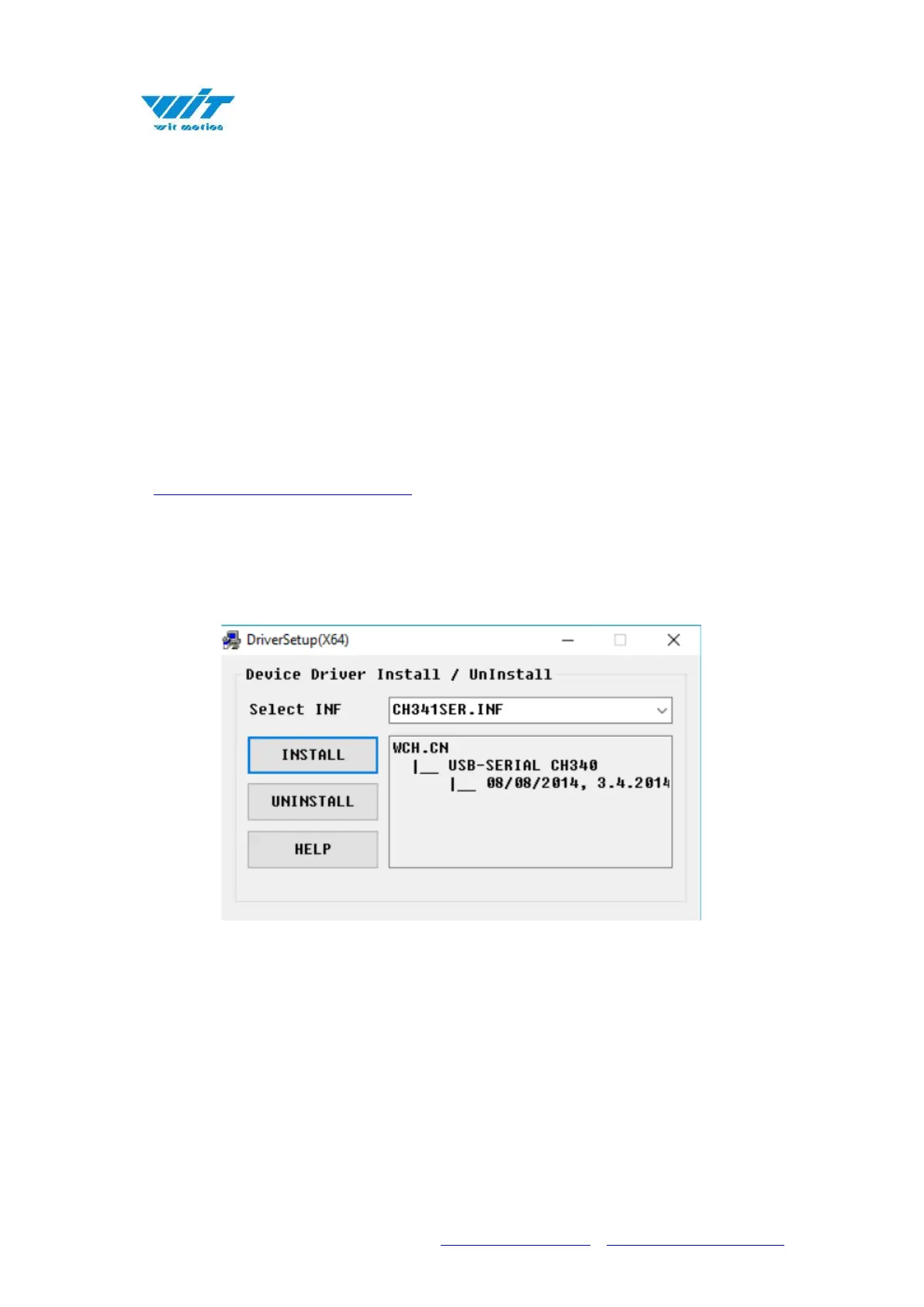
Step 2. Unzip the software and install the driver CH340
⚫ Software and driver download
*How to Install and update the CH340 driver
Click the "Uninstall" button first. Then click on the "Install" button.
*How to verify your driver is working
1) To check that the CH340 enumerates to a COM port, you can open the device
manager. You can click the Start or ⊞ (Windows) button and type "device
manager to quickly search for the application.



 To Next Page