WT53R-485 Manual v23-0720 | www.wit-motion.com | support@wit-motion.com
8
4.2
PC Connection
To connect with a computer, a serial port module with USB to TTL level is
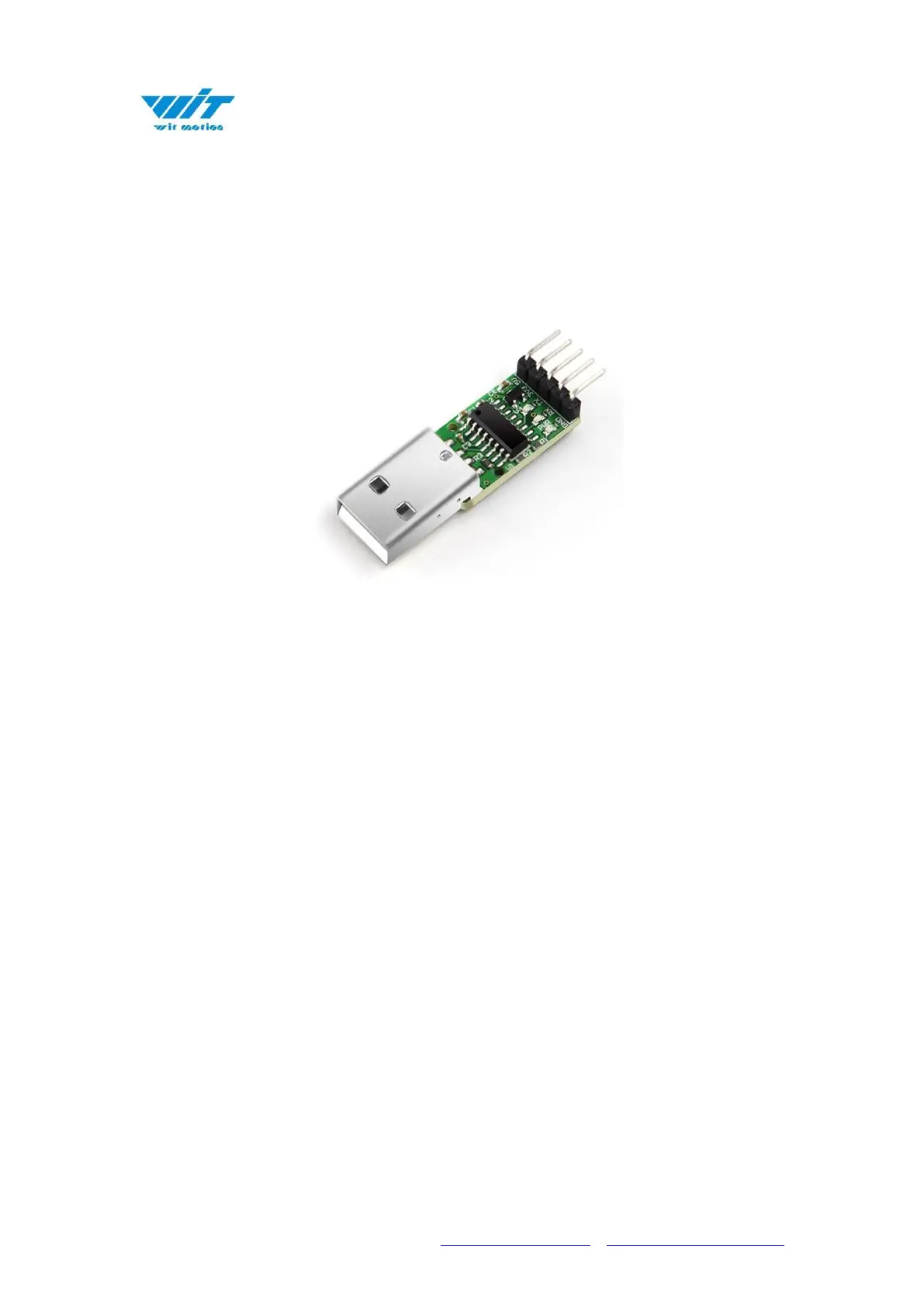
required. The following two USB-to-serial modules are recommended:
1. USB-TTL serial module (Figure 1): Connect the module to the USB-TTL, then
plug it into the computer.
Connect USB-TTL: VCC TX RX GND Connect to +5V/3V3 RX TX GND of USB.
Note that TX and RX need to be crossed, TX is connected to RX, and RX is
connected to TX.
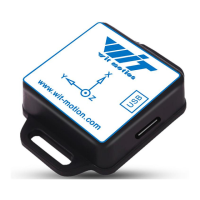
2. Six-in-one module (Picture 2): DIP switch 1 of the module is set to ON, DIP
switch 2 is set to 2, and switch S1 is set to other (screen printing).
Connection method: VCC TX RX GND Connect to +5V RX TX GND. Note that TX
and RX need to be crossed, TX is connected to RX, and RX is connected to TX.



 To Next Page