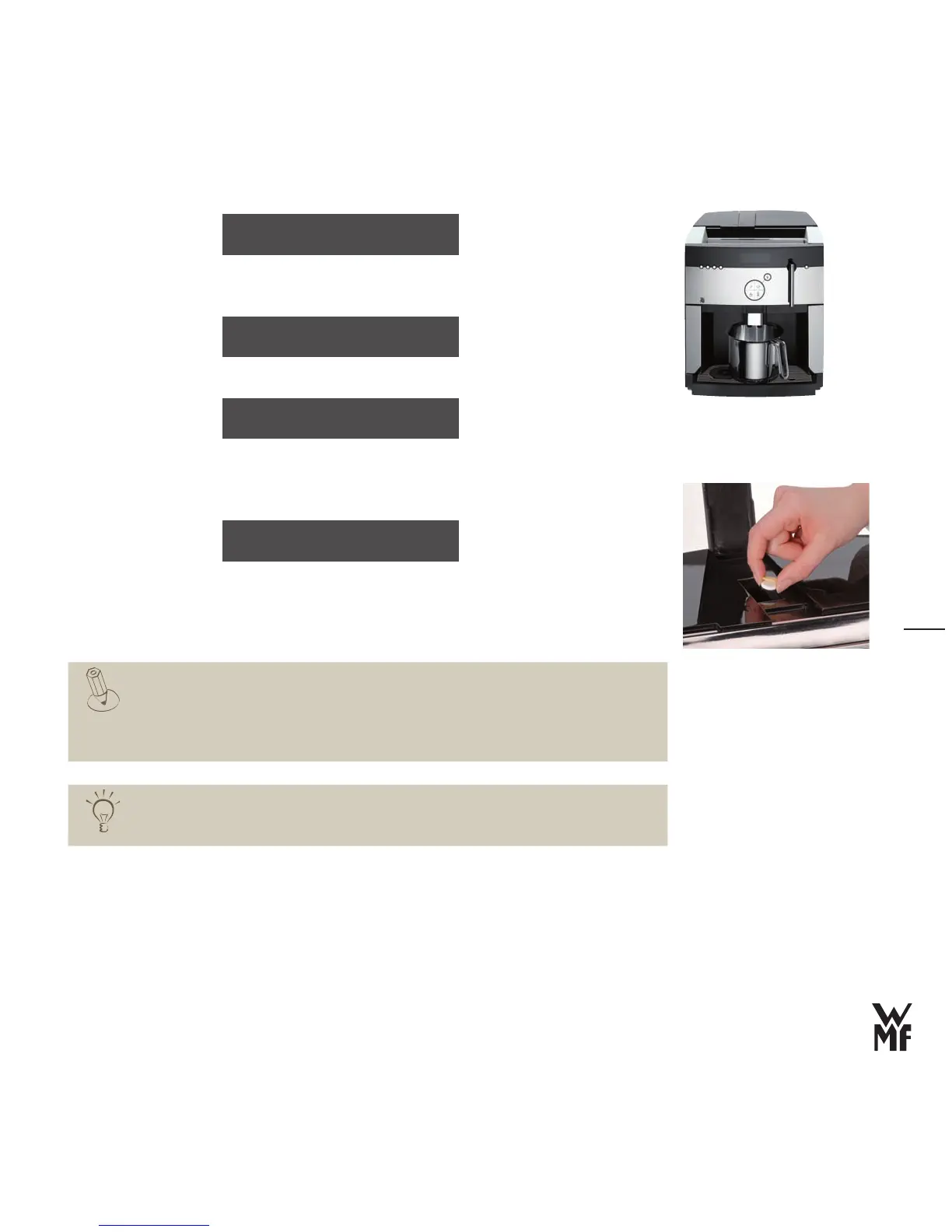
Place an appropriate container (min. 3 litres) under the All‑in‑One professional spout
>
Add a cleaning tablet together with the yellow sponge and close the cover
>
> Press the care button
The cleaning program starts.
A minute countdown indicates how long the cleaning will last.
After 5 minutes, the machine cleaning ends.
The display calls for a manual milk system cleaning. This display goes out when you press the
off/c button.
After 230 brewing cycles or 7 days, the request for machine cleaning appears on the
display. The display goes out after the first beverage is dispensed.
Cleaning must take place within the next 50 brew cycles, however at the latest the next
day. Otherwise, beverage dispensing will be blocked. The blocking will be cleared after a
cleaning.
Set the cleaning for a specific time
You can manually set the cleaning once for a desired time, for example, Sunday evening.
In the future, every week at this time, the cleaning request will be displayed.
place 3L container
under spout
insert tablet into
coffee grounds slot
Start: care button
A cleaning tablet consists of a white
tablet and a yellow sponge.
cleaning in progress
time remain: 5 min.
The cleaning cycle has been extended
to up to 25 brewings per week.
The next cleaning is due in 14 days.



 To Next Page