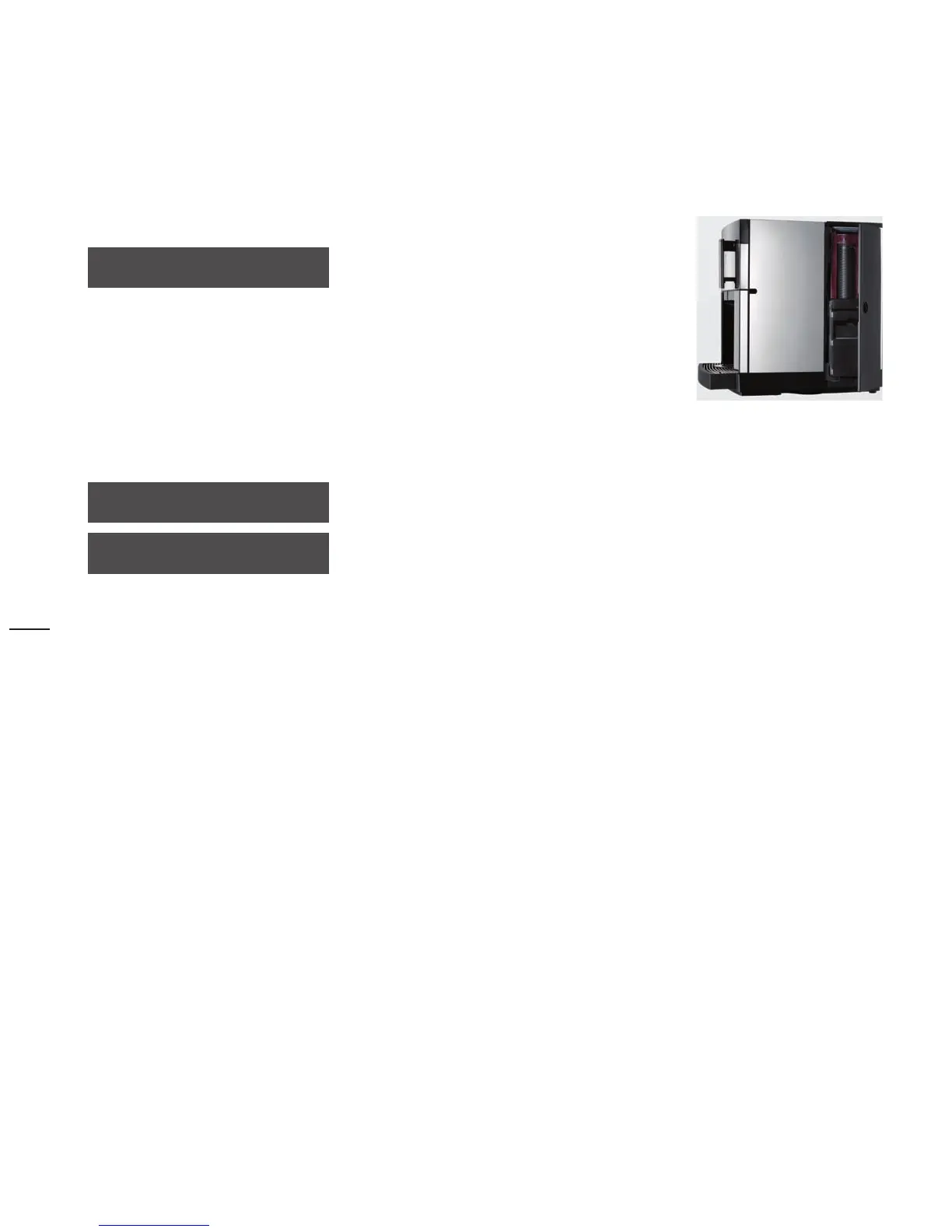
Side door open
beverage sel. locked
side door open
The right-hand side door of the coffee
machine is open
Close the right‑hand side door
>
Close lock completely >
Grinding degree too fine? / Brewing unit stopped up?
grinding too fine?
Find the cause:
The dispensing stream is interrupted,
the ground coffee is stopping up the brewing
sieve
For the message:
Clean brewer
>
If the message continues to appear:
Set the grinding degree coarser by
>
3 rotations
brewer clogged?
“Settings” chapter
> “Grinding degree setting”
See “Error messages and malfunctions”
chapter, page 53.



 To Next Page