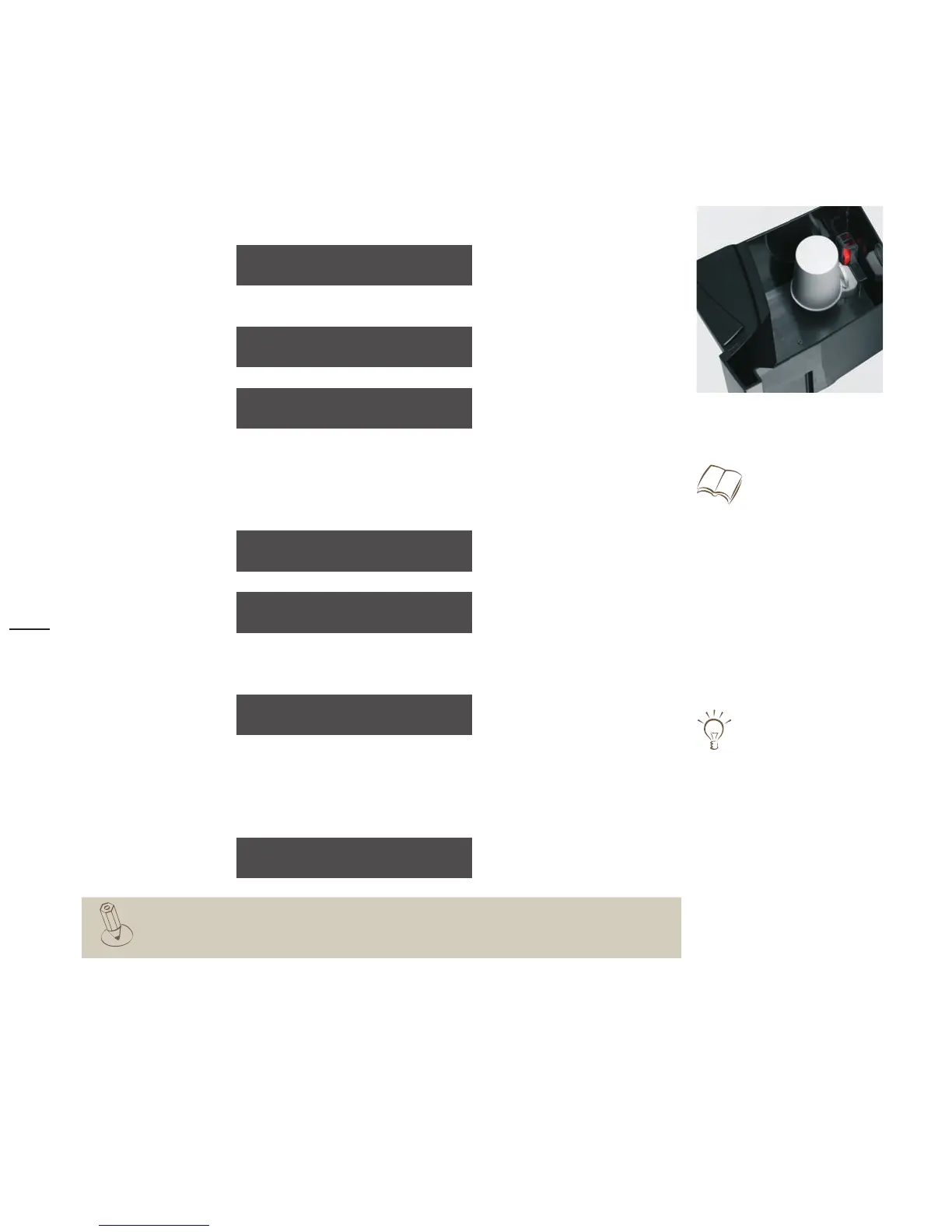
Replace water filter
Confirm with the P button >
Remove the old filter >
>
Insert a new filter
refill water tank
>
After the change, confirm with the P button >
Place a 3 litre container under the hot water spout >
Start the filter rinse with the care button >
When rinsing the filter, you will hear unusual noises. This is normal. The noises will end during the
filter rinse. During further operation, everything will sound normal again.
After the rinse, the readiness state display appears.
Depending on the water hardness and the water flow, but after 3 months at the latest,
the request appears to change the water filter.
The filter change can be delayed by pressing the Off/C button.
filter exchange
OK:P brwse.:care-bt
remove water tank
remove old filter
place new filter
Change water filter
see “Start-up” chapter
For initial use of a water filter,
see “Start-up” > “Insert water filter”
and
“Start-up” > “Basic settings”
Filterspülung
place 3L container
under h.w. spout
rinsing filter ...
time remaining: 4 min.
Use the filter change for a thorough tank
cleaning.
Clean water tank,
see page 45.
your selection pls
08:15 17.10.2007



 To Next Page