46
User Manual WMF1200 S
Settings | Basic settings
5.4.10 Time
The current time.
hh = Hour (two places)
mm = Minutes (two places)
ss = Seconds (two places)
Confirm the desired setting with
5.4.11 Date
The current date.
dd = Day (two places)
mm = Month (two places)
aaaa = Year (four places)
Confirm the desired setting with
5.4.12 Date/Time (Display)
The display of time and date on the “Ready to operate”
display.
Confirm the desired setting with
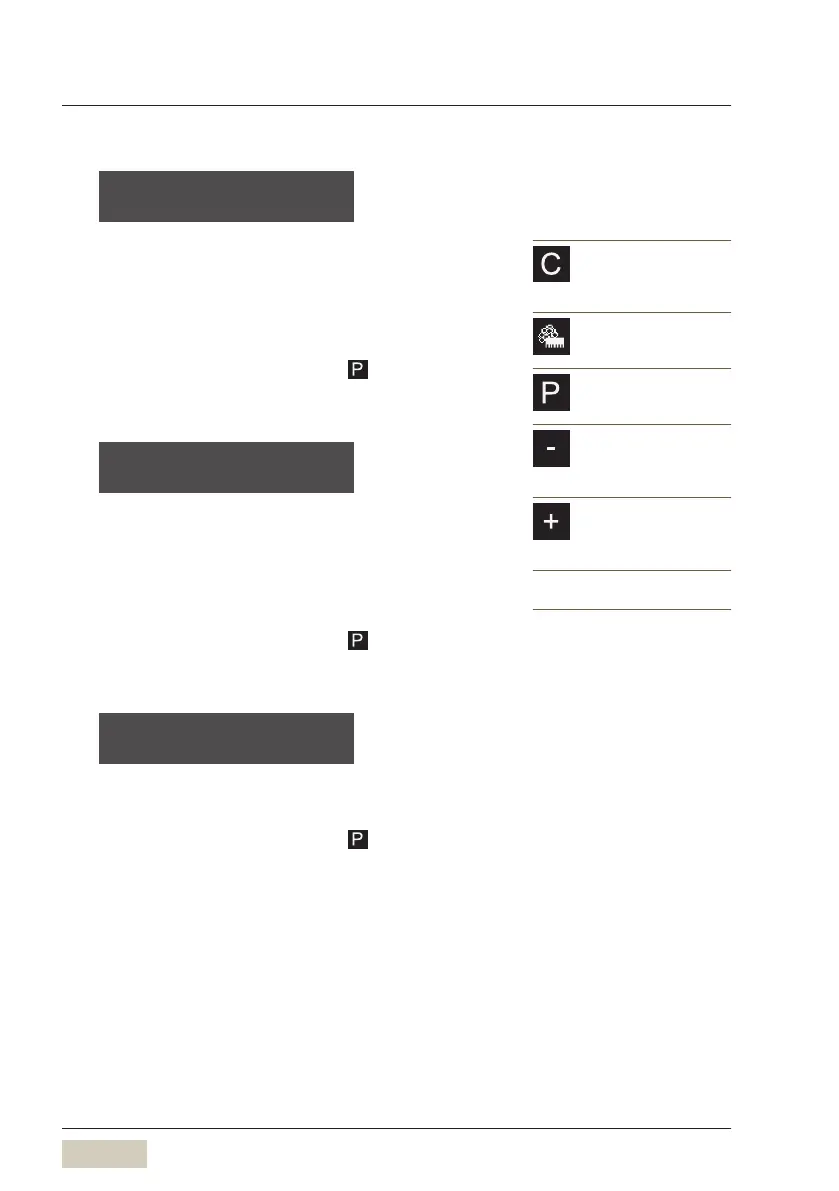
time hh:m m:ss
OK: P change: -/+
C pad
Cancel
Exit the program without
saving values
Care pad
Warm rinsing
Cleaning
P pad
Programs
Menu control
Minus pad
Coffee strength
Setting the values
Preselect cup volume
Plus pad
Coffee strength
Setting the values
Preselect cup volume
The new values are saved when you
exit the program.
date dd.mm.aaaa
OK: P change: -/+
date / time: on
OK: P change: -/+



 To Next Page