84
User Manual WMF1200 S
Messages and instructions | Error messages/malfunctions
Error pattern Action instructions
Coffee dispensing on
the left/right differs
Clean the combi spout
w Cleaning instructions
No milk foam/milk
output, but milk in
milk container
Check whether the milk hose is kinked or squashed
Re-route milk hose correctly
Clean the combi spout
Check whether milk nozzle is blocked
w Cleaning instructions
Check whether milk cooler is iced
No milk or milk foam
dispensing
Milk aperture is clogged
(EasyMilk)
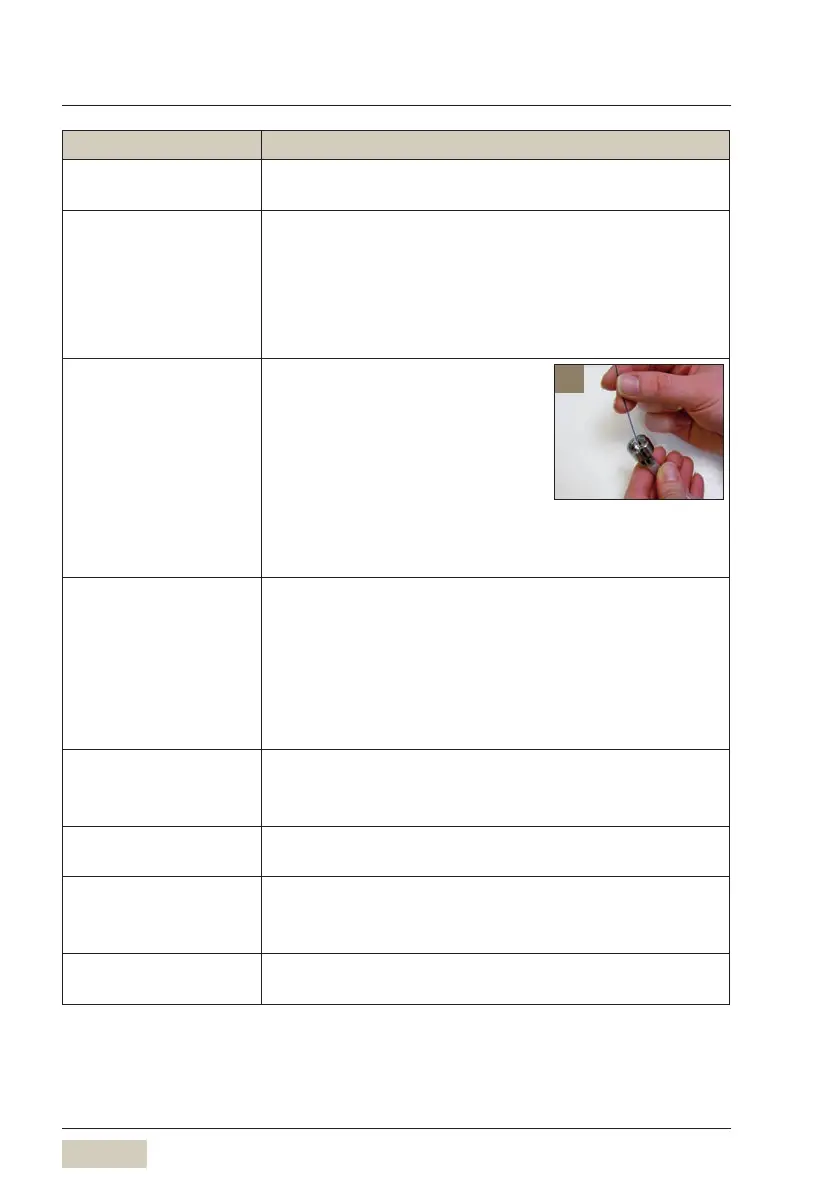
Unscrew the aperture from the
EasyMilk connection
Clean the aperture thoroughly
with the small cleaning
brush[1]
Perform milk system cleaning
w Cleaning instructions EasyMilk
Milk foam not OK,
Temperature too cold
or too hot
Change milk nozzle
- orange or light blue milk nozzle for cooled milk
- green or white milk nozzle for uncooled milk
Clean the combi spout
w Cleaning instructions
If error not remedied
Use another milk nozzle from the accessories
Pump runs
continuously, water in
grounds container
Switch off the coffee machine and on again
If error not remedied
Call WMFService
Water tank: assembly/
disassembly stiff
Lightly smear the O-rings with WMFgasket grease
Choc/Topping hopper
cannot be replaced
Manually turn the drive for the dosing auger at the
portion controller slightly in aclockwise direction
Check whether Choc hopper is accidentally locked
Bean hopper cannot be
replaced
Check whether bean hopper is accidentally opened
1



 To Next Page