Operation | Preselection pads (optional)
2.4 Preselection pads (optional)
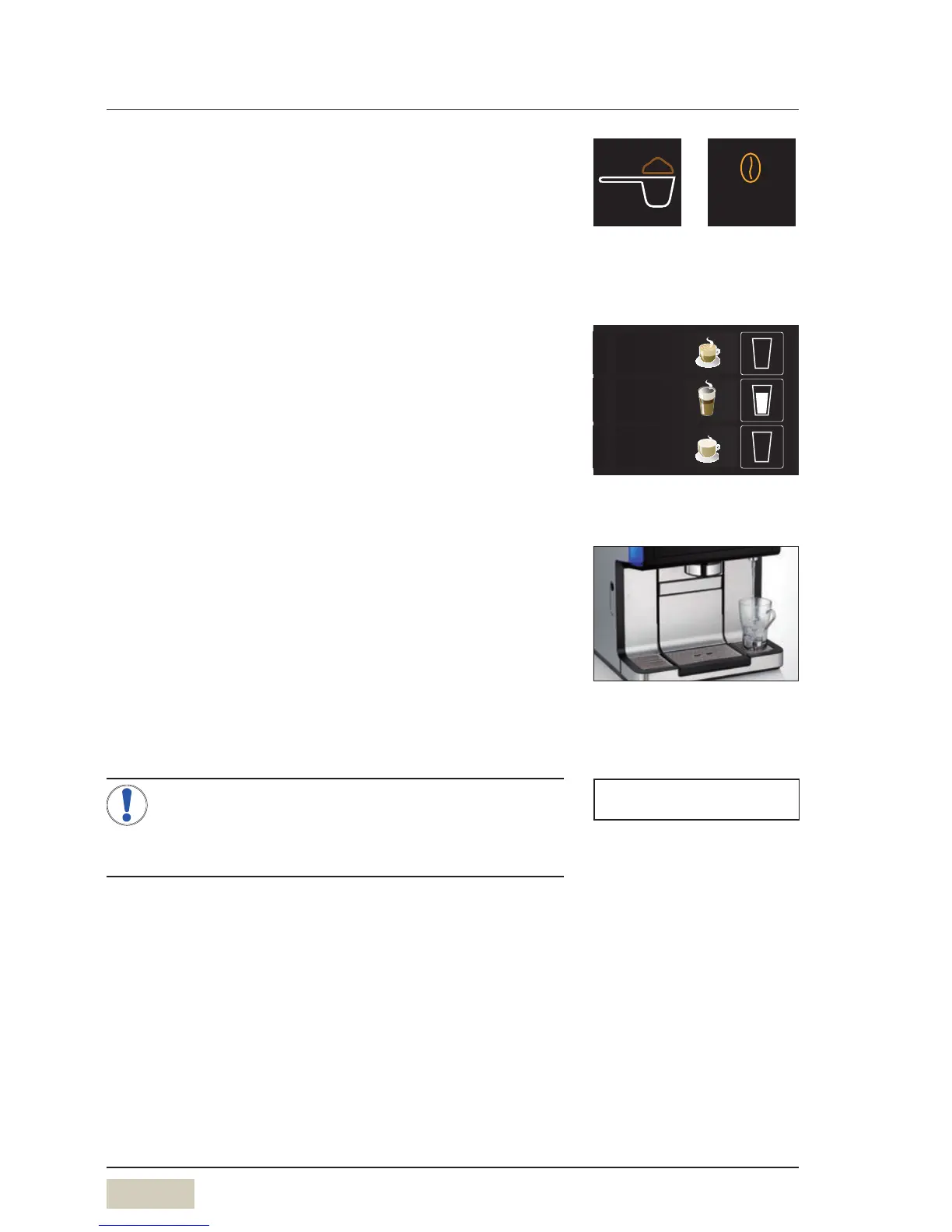
Depending on the model, preselection pads such as
the manual insert pad or the caffiene-free pad may be
available on the control panel.
These are preselection pads that define the desired
preselection prior to beverage selection via the beverage
buttons.
2.5 Special buttons (optional)
Special buttons for beverage sizes Sand Lare optionally
available on the control panel. These are preselection
buttons which establish the desired amount of the
beverage before selection of the beverage.
M = amount of the beverage set, no preselection
S = approx. 25 % less than M
L = approx. 25 % more than M
2.6 Dispensing hot water
Place acup of the appropriate size beneath the hot
water spout
Touch the hot water button
A selection for the water temperature appears.
Touch the desired water temperature
Dispensing occurs according to the dispensing option.
Multiple preselections are possible for the dispensing
option “metered”.
Instructions
The temperature preselection for dispensing
hot water can be deactivated. Hot water is then
dispensed directly at apreset temperature.
2.7 Milk or milk foam dispensing
Place acup of the appropriate size beneath the combi
spout
Touch the beverage button assigned to milk or milk
foam
Dispensing occurs according to the dispensing option.
Caffeine-free
Example:
manual insert pad and
caffeine-free pad.



 To Next Page