Software | Beverages
Cup volume and multiple brewing
Cup volume
Set the desired cup volume. The recipe is adjusted
accordingly.
100 % indicates the previously saved value.
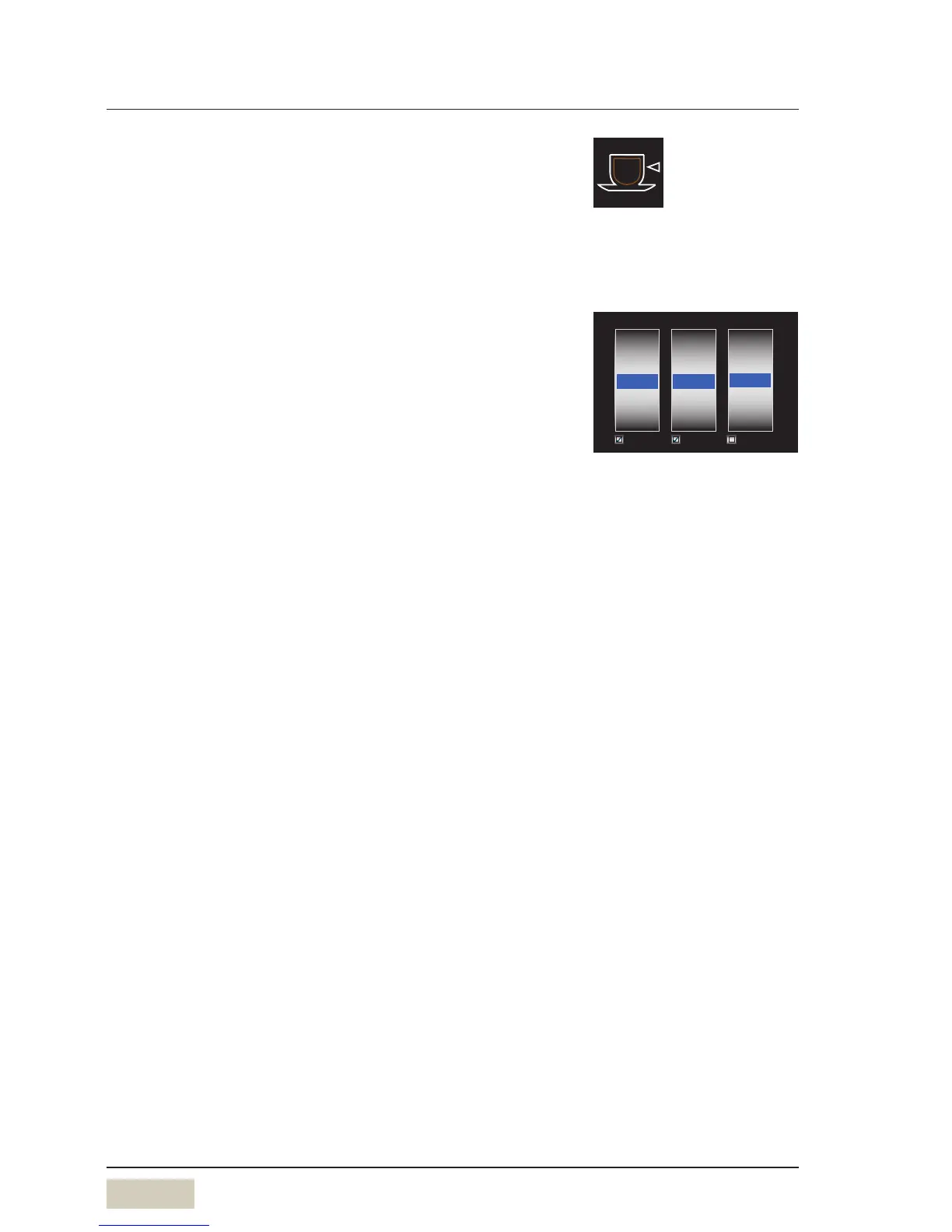
Cup volume S-M-L
The recipes for the sizes Sand Lare generated. Mis as set.
Default value:
S= 25 % less than the setting.
L = 25 % more than the setting.
The S-M-L function can be activated in the operating
options. The cup volume can also be set to adifferent
general level for all beverages using the operating options.
For individual beverages that deviate from the standard,
the S-M-L amounts can be changed under Cup volume.
Each size can also be individually set to active or inactive.
Inactive means that the size no longer appears as
aselection for the individual beverage.
Multiple brewing cycles
The beverage is brewed several times, as set. Up to
12times the set amount can be dispensed with one push of
abutton.
Available for beverages with coffee and with milk mixtures,
as well as for hot water with the “metered” dispensing
option.
Dispensing option
• Start-Stop
The dispensing runs until the set amount is reached.
The dispensing can be stopped sooner by pressing the
button again.
• Metered
The set volume is dispensed. The dispensing option is
available for milk, foam, and for hot water.



 To Next Page