Software | Timer
3.10 Timer
Time/date
The current time of day and the date are set here.
Timer state
Information about the state of the timer.
Options: • active
• inactive
Default value:
inactive
active The timer switching times are active.
inactive The timer switching times are not carried out.
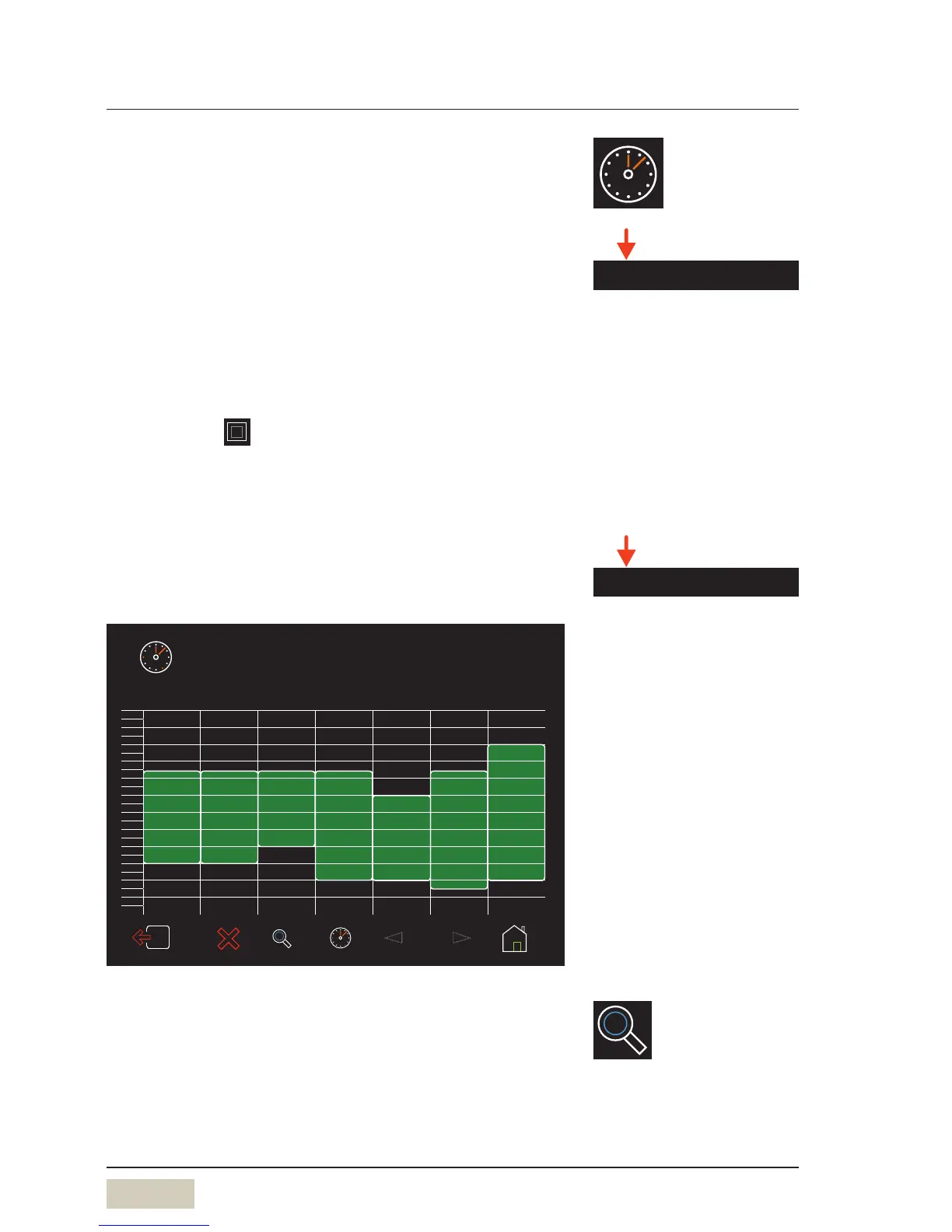
Timer overview and setting the timer
Overview of all switch on and switch off times
04:00 20:00
07:00 21:00
10:00 20:00
07:00 16:0007:00 18:0007:00 18:00
Monday Tuesday Wednesday Thursday Friday Saturday Sunday
00:00
01:00
02:00
03:00
04:00
05:00
06:00
07:00 20:00
07:00
08:00
09:00
10:00
11:00
12:00
13:00
14:00
15:00
16:00
17:00
18:00
19:00
20:00
21:00
22:00
23:00
Timer
Timer overview
Detail view of current day
Switching between daily and weekly overview. The daily
overview shows data for the current day.
Time / date
Timer overview



 To Next Page