Software | Beverages
Text and illustration
Cup height
40
45
50
55
60
65
70
71
mm
55
80
80
145
?
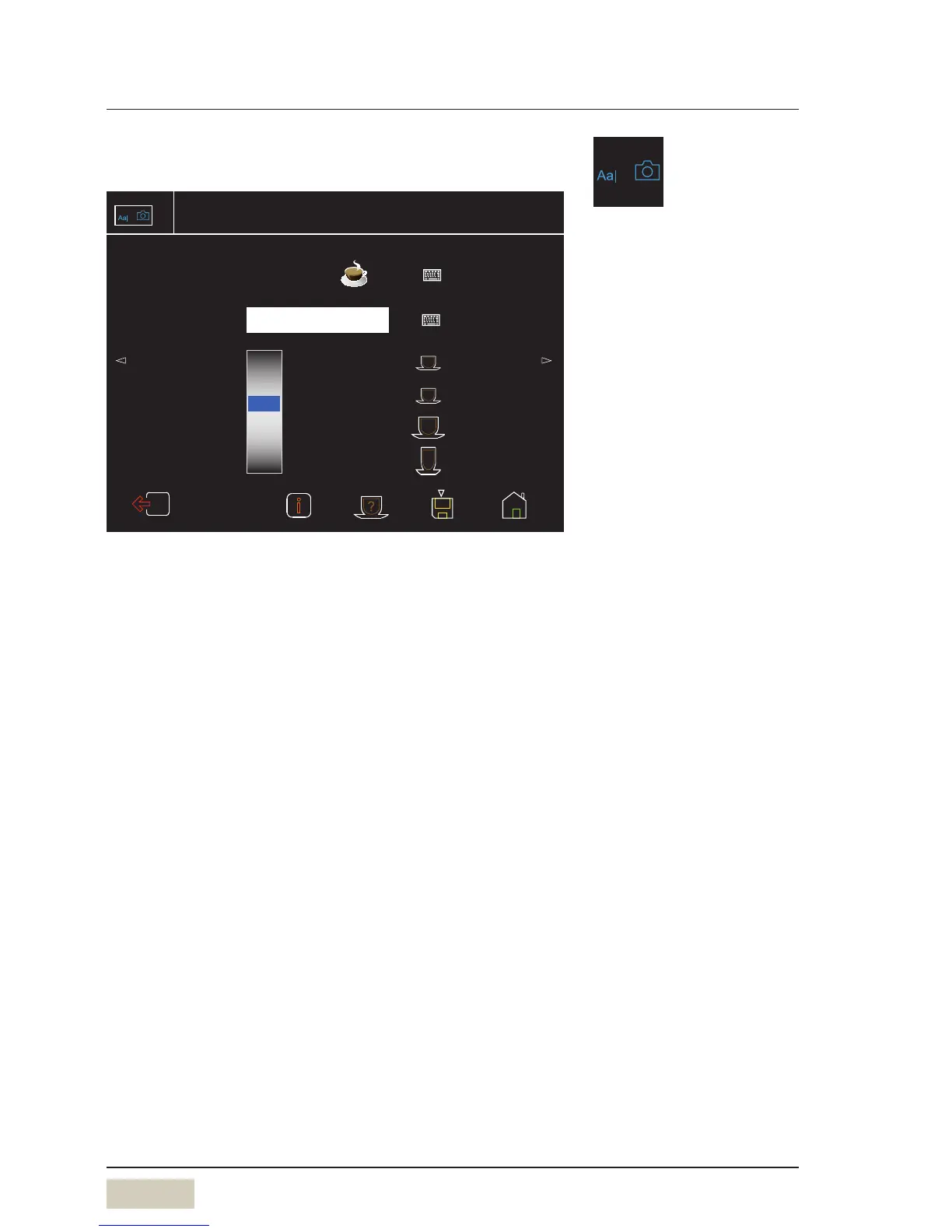
Beverage settings espresso
Change text and illustration
Number of recipe 1 Factory: 1
Comments
Text and
illustration
Espresso
Text and illustration
The beverage name and photo of abeverage button are
adjusted here.
Activate the keyboard by touching the keyboard pad.
Comments
A note about the beverage can be saved here.
Cup height (optional)
With automatic cup table.
The cup height for the beverage is set here.
A cup height can be assigned to the cup symbols on the
right side. These heights are saved and can be accepted by
touching the symbol briefly.
Menu control pads
w Overview
page 20
For beverages of size “S” and “L”,
the size must be selected before
the beverage button is selected.



 To Next Page