36
User Manual WMF9000 F VB
Software | Beverages
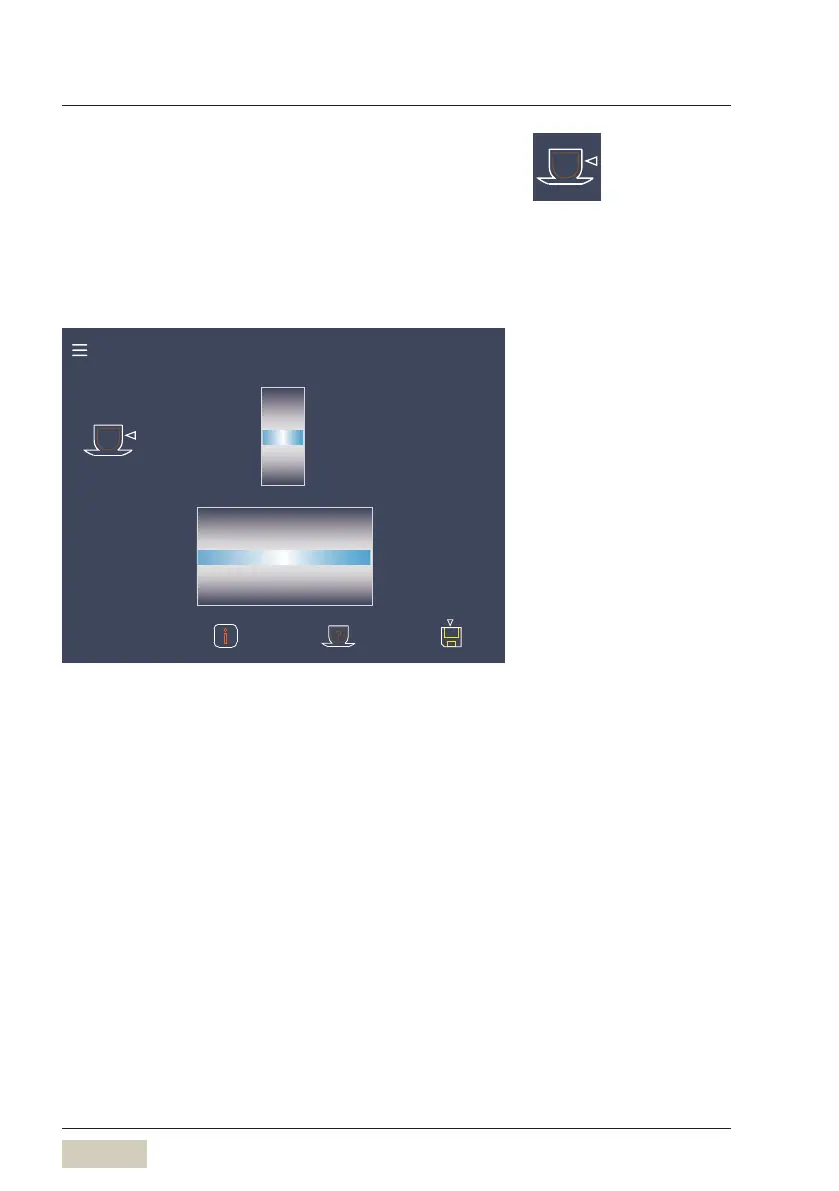
Filling quantity and dispensing option
Cup volume
Set the desired cup volume. The recipe is adjusted
accordingly.
100 % indicates the previously saved value.
Cup volume:
Dispensing option
%
97
98
99
100
101
102
103
Start-Stop
Start-Stop-FreeFlow
FreeFlow
Metered
Start-Stop
Start-Stop-FreeFlow
FreeFlow
i
All recipe
components are
adjusted according
to their desired cup
volume (relative
to a beverage of
size M)
Beverage setting, small cup
Change cup volume
Dispensing option
• Start-Stop
The dispensing runs until the set volume is reached.
The dispensing can be stopped sooner by touching
the button again.
• Metered
The set volume is dispensed. The dispensing option is
available for hot water.
• Freeflow
Hot water is dispensed for as long as the button is
pressed and held.
• Start-Stop-Freeflow
A brief press of abutton starts Start-Stop
dispensing.
A longer press of the button, for more than
1second, starts freeflow dispensing.
The dispensing option can be set for
hot water.



 To Next Page