52
User Manual WMF9000 F VB
Software | System
4.11 System
Progress indicator
Options: Line, circle, off
Default value: Line
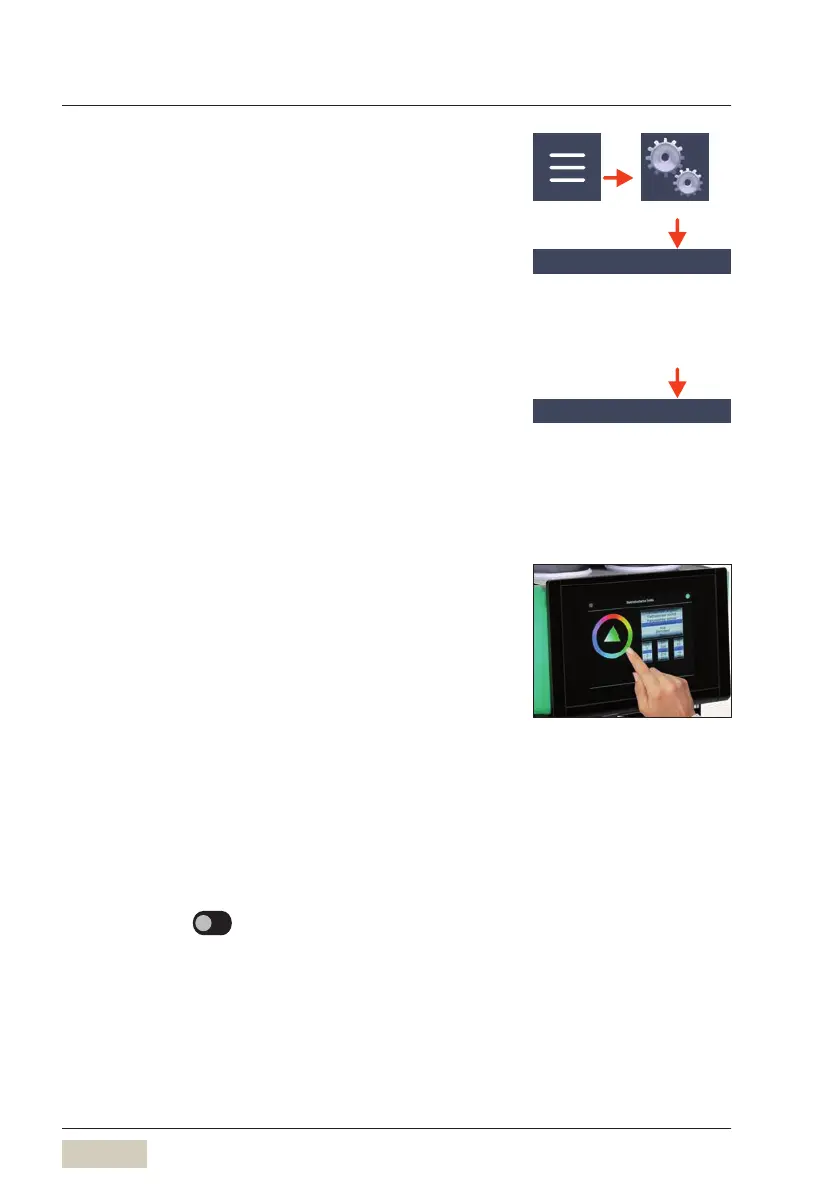
Display and illumination
Illumination
The illumination colour is set here.
Set the desired colour from the colour circle above
the triangle. The colour can also be defined and set by
means of RGB values.
There are also the following options:
• Slow colour change
• Standard colour change
• Quick colour change
• Off
The current setting is displayed immediately.
Illumination when “Ready to operate”
• Standard colour side
Event display (message)
Options: • active
• inactive
Default value:
inactive
active The illumination during amessage can be
adjusted.
Illumination for messages (event)
• Event colour side
Progress indicator
DS_04_11_01
Display and illumination
DS_04_11_02
For example, “Ground coffee empty”
message.



 To Next Page