38
User Manual WMF9000 F VB
Software | Beverages
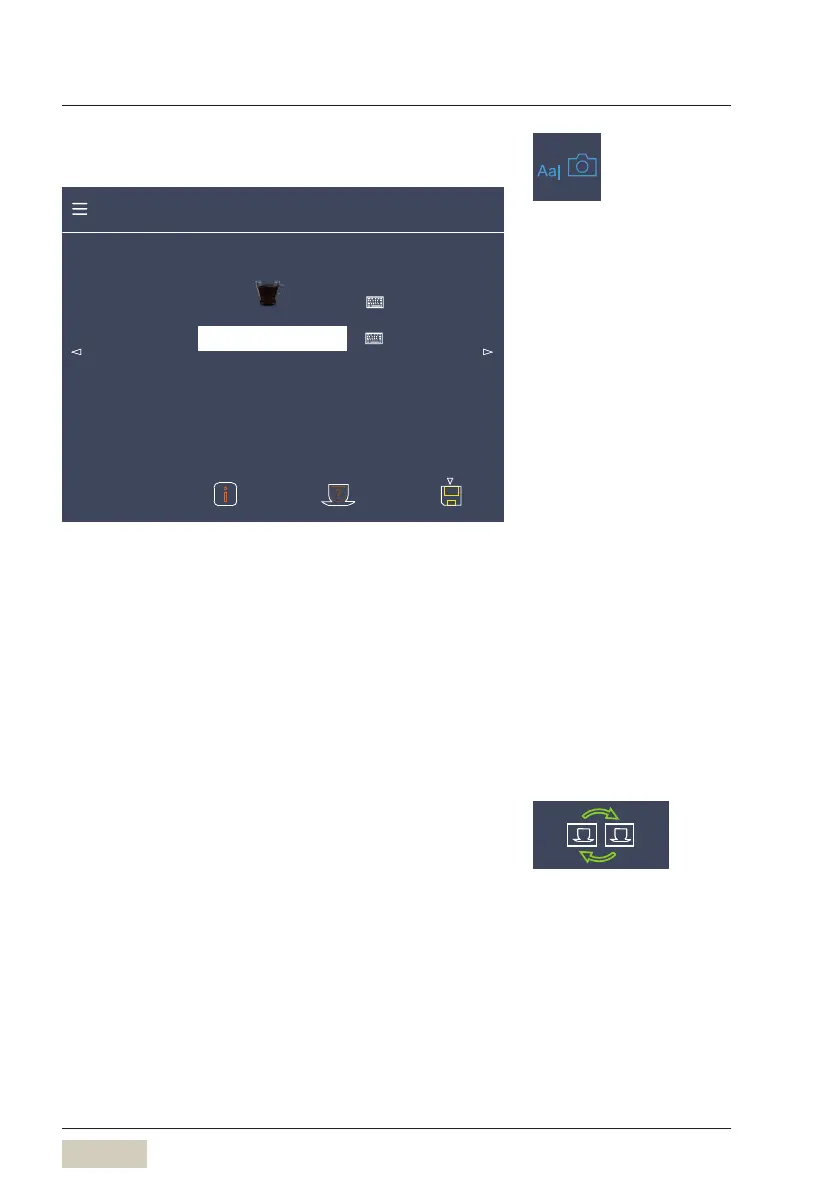
Text and picture
Recipe number 134 Factory: 134
Note Small cup, storage urn
Text + picture Cup
Beverage settings cup
Change text + picture
Text and picture
The beverage name and photo of abeverage button
are adjusted here.
Activate the keyboard by touching the keyboard pad.
Note
A note about the beverage can be saved here.
Change buttons
The positions of two beverage buttons are swapped
here.
Touch abeverage button
Touch the “Change buttons” pad
Touch the beverage button that is to be swapped
Menu control pads
w Overview
page 31
Load custom beverage pictures
w USB
page 58



 To Next Page