333062555_201804
Energysavings
-Instructthecustomeraboutenergysavingoptions.
-Referthecustomertothesection"Informationforen-
ergyefcientoperation"intheoperatinginstructions.
18.Commissioning/settingtheBUS
address
Only qualied personnel must carry out the
commissioningandinitialstart-upoftheboiler
andinstructionoftheuser.
- Check that all ue gas accessories have been correctly
installed
- Opentheshut-offvalvesintheowandreturn
- Open the gas shut-off valve
- Switch on the system ON/OFF switch on the control unit
-Check the ignition and the regular ame structure of the
burner
- The illuminated ring shows a yellow colour, if the boiler starts
correctly
- Check the condensate drain
- Familiarise customers with the operation of the boiler with
reference to the operating instructions and advise them of
therequiredwatertreatmentforllandtop-upwater
- Complete the commissioning report and hand over the
instructions to the customer.
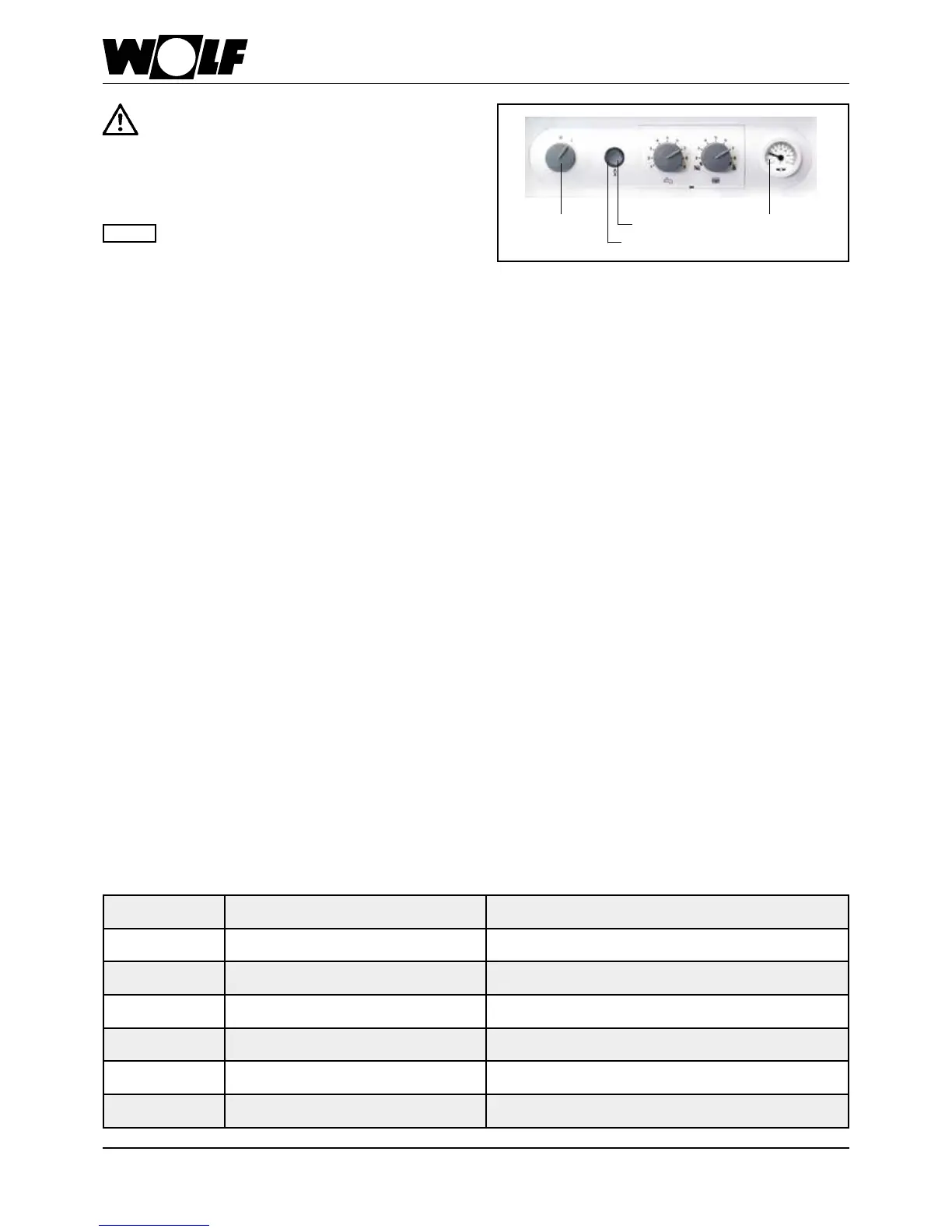
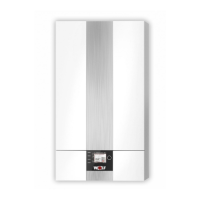
Fig.: Control unit overview
ON/OFF
ON/OFF
switch
ThermometerReset button
Illuminated ring
- Check the boilerand system for leaks;
Normaloperatingpressurewhensystemiscold
1.5-2.0bar;preventwaterleaks
- Checkthelocationandseatingofttedcom-
ponents
- Checkallconnectionsandcomponentunions
forleaks.
- Ifleaktightnesscannotbeensured,thereis
ariskofwaterdamage.
Note
BUSaddresssetting
Whenoperatingseveralboilers(numberofboilers>1)inconjunctionwithacascademodule,settheBUSaddressofeachboiler
in accordance with the table below.
BUS address setting:
Holddowntheresetbutton;after5seconds,thecorrespondingashingcodewillbedisplayed(seetable).Selectthecorresponding
addresswiththeDHWtemperaturerotaryselector.Thenreleasetheresetbuttonagain.
Busaddress RotaryselectorpositionDHW Illuminatedringdisplay
1 1 ashingred
2 2 ashingyellow
3 3 ashingyellow/red
4 4 ashingyellow/green
5 5 ashinggreen/red
0 6 ashinggreen(factorysetting)




 To Next Page