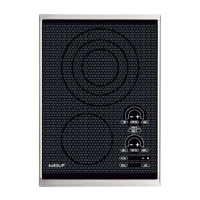
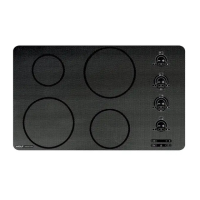
Induction Cooktop
Electronic Control
3-8
Control Operation
The Wolf Induction cooktop operates by adjusting the current to the induction coils. As the power level is increased on
the control panel, the induction coils will output more power.
Modes of Operation
Lock Mode: All keypad operation on the control panel is disabled and all of the induction coils are de-energized. A
steady glowing light within the “Key” symbol indicates the unit is locked.
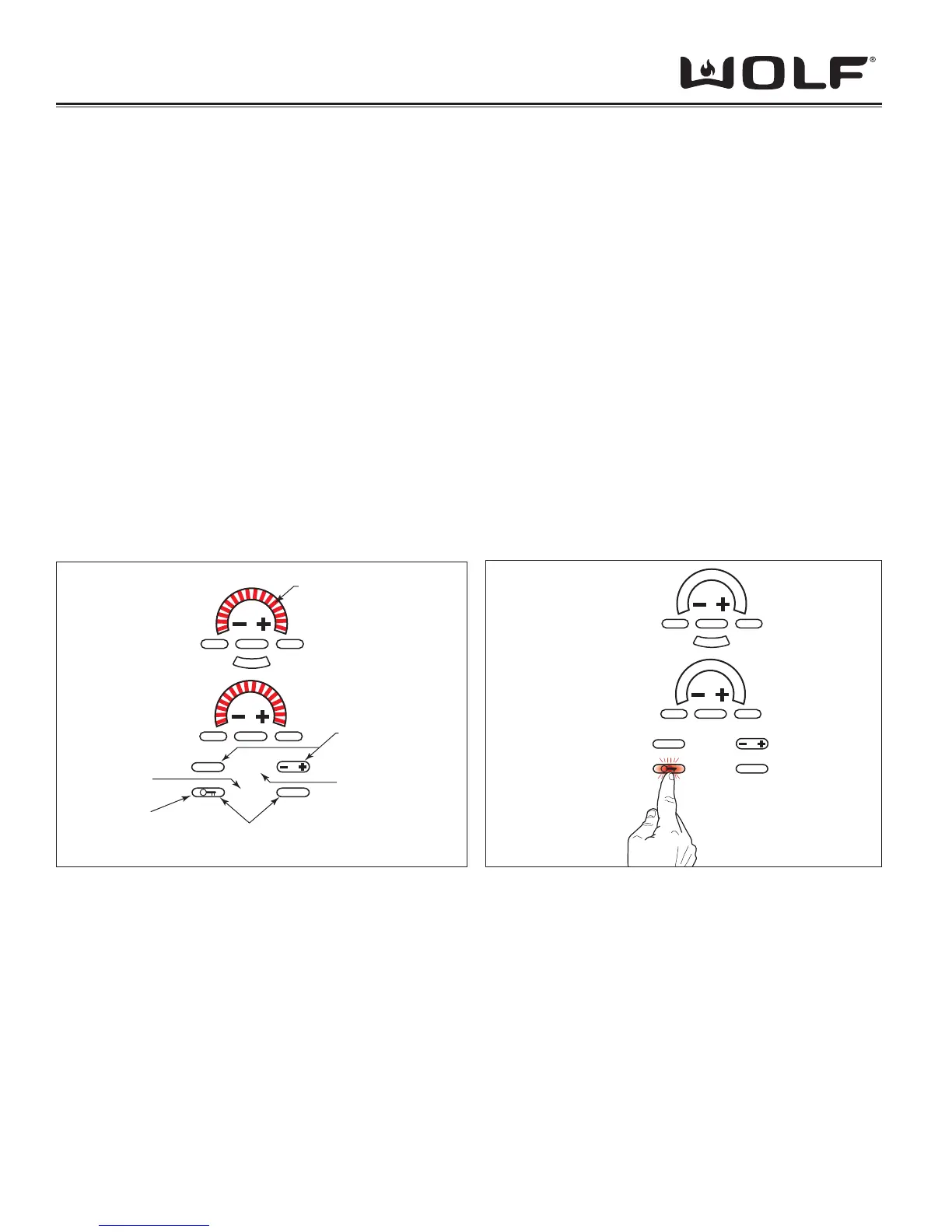
To unlock the control, touch and hold the “Key” symbol for 3 seconds. The unit will beep twice and the light with-in the
“Key” symbol will go out. The control unit is now in the idle mode. (See Figure 3-8).
To lock the control, touch and hold the “Key” symbol for three seconds. The unit will beep three times and the light within
the “Key” symbol will illuminate. (See Figure 3-8).
NOTE: The unit cannot enter LOCK mode while elements are active. An error tone will sound if this is attempted.
NOTE: When the unit is powered up for the fi rst time or if there was a power outage, the unit will default to this mode.
Idle Mode: After unlocking the control panel as described in Lock Mode, the unit enters the idle mode of operation.
The only valid keypad operations are the “OFF ON” for each cooking zone, the “Key” symbol, and the timer keys.
INDUCTION COOKTOP OPERATION
MELT
OFF ON
CLEAR
OFF
HIGH
OFF ON HIGH
888
HOT
SIM
H
I
P
O
W
E
R
Power Level
Indicators
Lock
Pad
Universal Touch Pads
Timer Function
Touch Pads
Timer / Display
Hot Surface
LED
Figure 3-7 Control Panel 15” Keyboard Layout
MELT
OFF ON
CLEAR
OFF
HIGH
OFF ON HIGH
888
SIM
H
I
P
O
W
E
R
Figure 3-8 Unlocking Control Panel
Touch and
Hold “Key”
Symbol for 3
Sec.


 To Next Page