SETUP & OPERATION
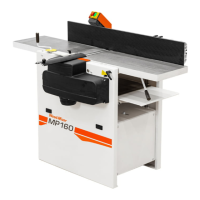
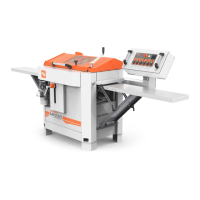
Multi-Planer Setup
3
3-4 EGdoc052521
Review the safety instructions!
Ensure that all cutters can rotate freely.
Be sure the emergency stop button is released.
Be sure the upper cover is closed and the limit switch is activated. Be sure all machine’s parts are
tightened, especially working element covers.
Be sure that no one other than the operator is in the high risk area.
Turn on the chip extractor.
DANGER! Connect the Multi-Planer electrical installation. Check the
rotational direction. The cutter must spin in the direction indicated by
the arrow.


 To Next Page